Why Beginners Don't Need Paid SEO Tools
Most paid SEO platforms are built for agencies managing multiple clients or enterprise teams tracking hundreds of keywords. They include features beginners will never use, competitor backlink databases, rank tracking dashboards, PPC overlap analysis, and charge accordingly.
For a beginner, the ranking improvements that actually happen in the first 6–12 months come almost entirely from on-page SEO: fixing title tags, writing meta descriptions, checking keyword density, improving content readability, setting up a sitemap, and validating your robots.txt. All of these are achievable with free tools.
Save the paid platform budget for when you've saturated the on-page gains.
The 6 Free SEO Tools Every Beginner Needs
Step 1, SEO Audit Tool
Use when: First thing, every time.
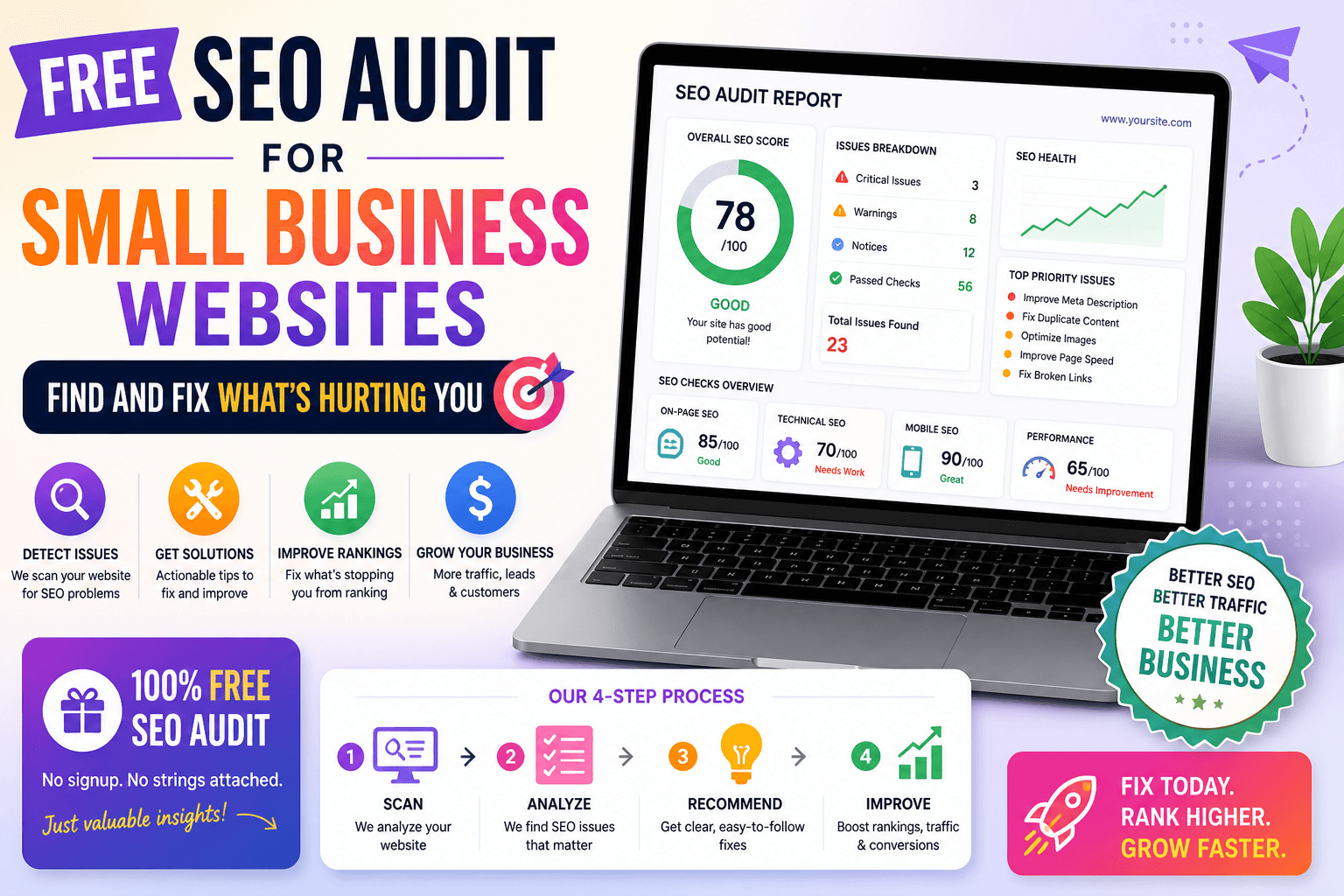
Before you write new content or build links, find out what's already broken on your existing pages. The SEO audit tool runs 18 checks on any public URL and returns a prioritized fix list. This is always the first step. Fixing existing on-page issues, missing title tags, absent meta descriptions, improper headings, is almost always faster than creating new content.
Step 2, Meta Tags Generator
Use when: Every page you publish.
After the audit, the most common fix is missing or weak title tags and meta descriptions. The meta tags generator builds all four tag types, title, description, Open Graph, Twitter Card, with a live Google search result preview and copy-paste HTML output. Configure all four for every page you publish.
Step 3, Keyword Density Checker
Use when: Before publishing any content.
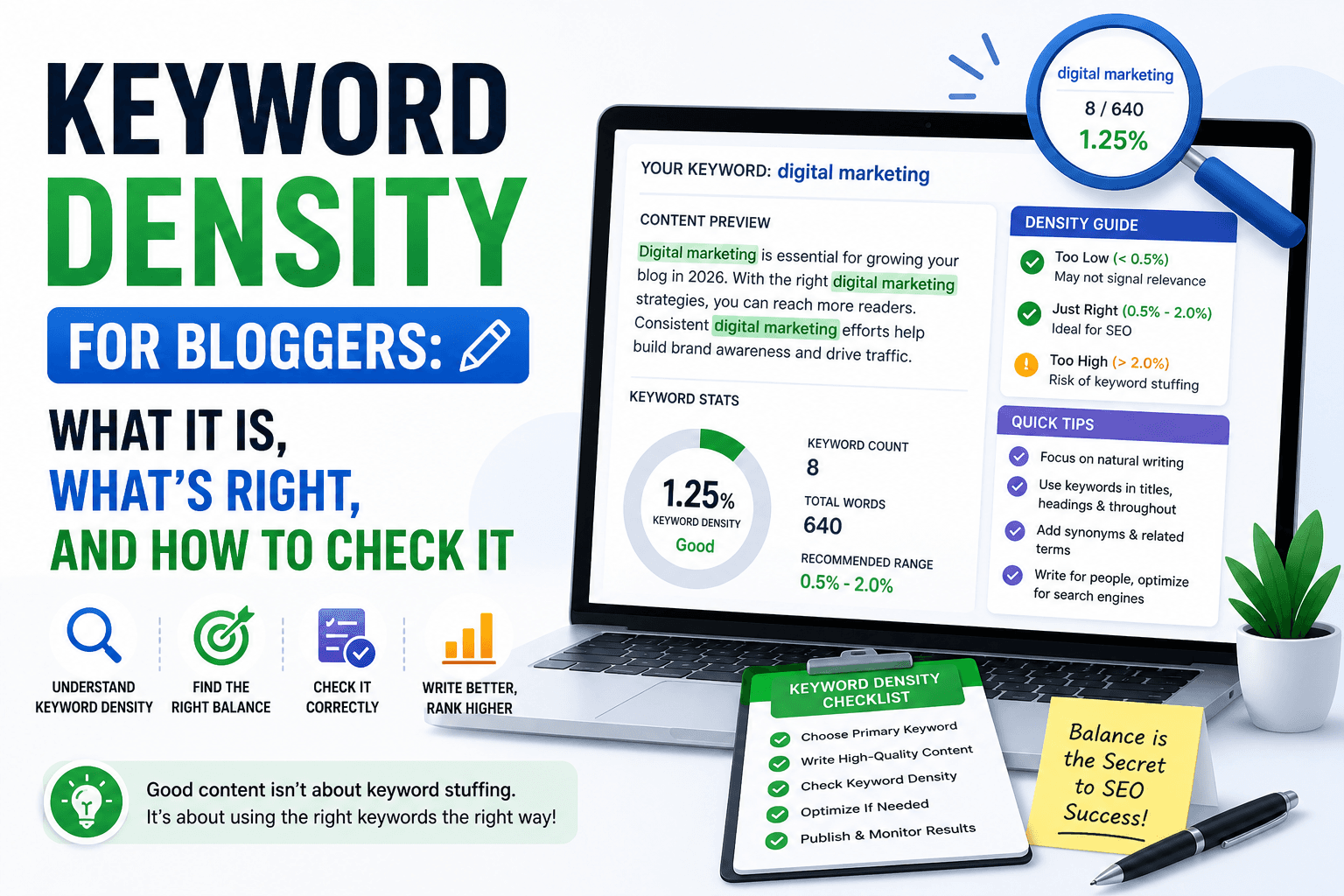
Every article you write should target a specific keyword at the right frequency. Paste your draft and confirm your primary keyword sits in the 1–2% range, not too sparse to signal relevance, not dense enough to look stuffed. Use the keyword density checker before every publish.
Step 4, Readability Checker
Use when: After drafting any long-form content.
Content that's hard to read has a high bounce rate, which suppresses rankings over time. The readability checker scores your writing on the Flesch-Kincaid scale and identifies sentences and paragraphs that are losing readers mid-article. Aim for a Flesch score of 60–80 for most blog content.
Step 5, XML Sitemap Generator
Use when: When launching a new site or major content update.
Google can't rank pages it can't find. Submit a sitemap to tell it exactly which pages exist and how frequently they change. The sitemap generator builds a valid sitemap.xml ready for Google Search Console, no coding required. Do this on day one of any new site.
Step 6, Robots.txt Generator
Use when: Once per site setup, verify after any major change.
A misconfigured robots.txt can accidentally block Google from crawling your entire site. The robots.txt generator builds a valid file with proper user-agent rules and lets you verify your directives before deploying them.
Common Beginner SEO Mistakes to Avoid
✗ Starting with keywords instead of fixing what's already broken Run an SEO audit on your existing pages first. Fixing missing title tags and absent meta descriptions on current pages takes hours; the ranking improvement happens within weeks. Writing new content before fixing existing issues is building on a broken foundation.
✗ Writing content without checking keyword density Most new writers either under-use their target keyword (weak relevance signal) or force it into every other sentence (keyword stuffing). Check density before publishing every article. The target is 1–2%, not because it's a magic number, but because it's the range where relevance is clear without the content reading unnaturally.
✗ Publishing without configuring Open Graph and Twitter Card tags The first time someone shares your article on LinkedIn or Twitter and sees a blank card or wrong image, that's a missed amplification opportunity. Configure all four meta tags, title, description, Open Graph, Twitter Card, for every page you publish using the meta tags generator.
✗ Ignoring readability in favor of keyword density A 2% keyword density in content that reads at a PhD level will not rank for mainstream queries. Readability matters because dwell time matters. If readers leave in 15 seconds, search engines register low engagement, and lower the page's ranking. Aim for a Flesch score of 60–80 for blog content.
✗ Never submitting a sitemap to Google Search Console Many beginners set up a website and wait for Google to find it. On new domains or thin sites, pages can sit unindexed for months. A submitted sitemap accelerates discovery. It takes 10 minutes to generate and submit, do it on day one.
When to Start Thinking About Paid SEO Tools
Consider a paid SEO tool when you need:
- Backlink analysis, understanding who links to your competitors
- Keyword rank tracking, monitoring your position for hundreds of terms over time
- Large-scale technical crawls, auditing sites with thousands of pages
None of these are beginner needs. If you haven't yet fixed your title tags, checked your keyword density, or submitted a sitemap, you will get more ranking improvement from one afternoon of free on-page work than from three months of paying for a platform you don't fully use yet.
The Beginner's SEO Workflow
Run this workflow for every page you publish or fix:
- Run a free SEO audit, identify all technical and on-page issues first
- Generate meta tags, build optimized title, description, Open Graph, and Twitter Card tags
- Check keyword density, verify 1–2% for your primary keyword
- Check readability, confirm a Flesch score of 60–80
- Build/update sitemap, ensure Google can find the page
- Submit for indexing via Google Search Console URL Inspection tool
Every tool in this workflow is free. No account. No limits.
FAQ
What is the first SEO tool a beginner should use? The first tool is an on-page SEO audit. Run it on your most important pages to find out what's already broken before you invest time in new content or promotion. Fixing existing on-page issues, missing title tags, absent meta descriptions, improper headings, is almost always faster than creating new content. The free SEO audit tool checks 18 factors in under 10 seconds.
Do I need paid SEO tools as a beginner? No. For on-page SEO, title tags, meta descriptions, keyword density, readability, sitemaps, and robots.txt, free tools cover everything a beginner needs. Paid tools (Ahrefs, SEMrush) become worth considering when you need backlink analysis, rank tracking across hundreds of keywords, or large-scale technical site crawls. Most beginners don't need any of that to see measurable ranking improvements.
How long does it take to see results from on-page SEO improvements? On-page fixes typically show ranking movement within 2–8 weeks, depending on how frequently Google crawls your site. Fixing a missing title tag or adding a canonical URL can show results faster than publishing new content because it improves a signal on an already-indexed page. Submitting your sitemap and requesting indexing through Google Search Console can accelerate crawling after major changes.
Can I do SEO without any technical knowledge? Yes, on-page SEO requires no coding. Title tags, meta descriptions, and heading structure can all be updated through any CMS (WordPress, Squarespace, Wix, Shopify) using the page editor or an SEO plugin. Free tools like those on ToolsNest produce ready-to-paste HTML output. Technical SEO requires more knowledge, but on-page improvements alone are enough to see meaningful ranking changes on most sites.