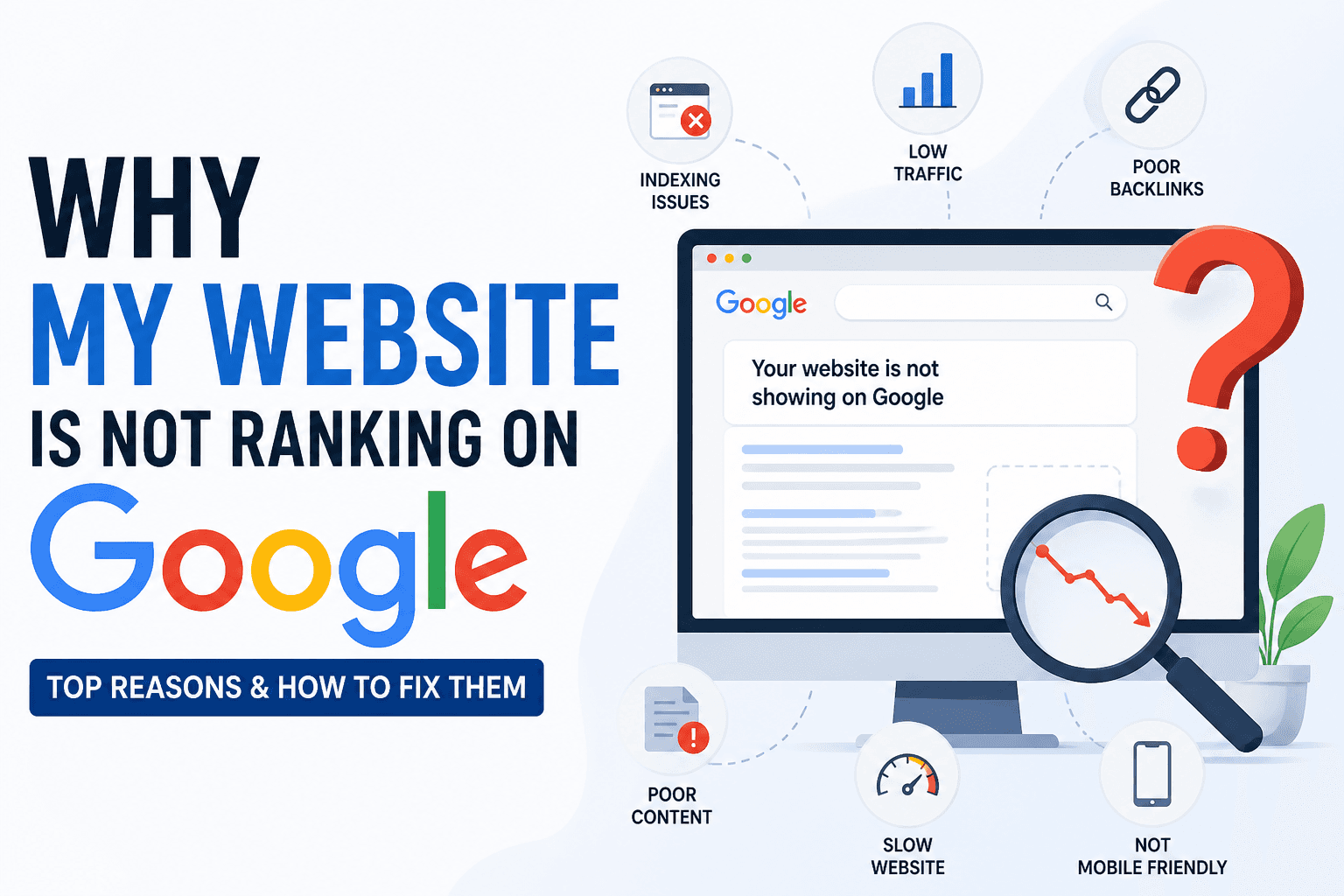
If your small business website is not getting traffic or leads, your SEO is broken somewhere. Most small business owners don't realize that a few critical SEO mistakes can completely block rankings, and the site looks perfectly fine the whole time. No error messages. No warnings. Just silence from Google.
A proper SEO audit finds exactly where those blocks are. This guide walks you through every major issue, how to spot it, and how to fix it, including local SEO, which is where most small business audits fall short.
Quick Answer: What Is an SEO Audit for Small Business?
An SEO audit for small business is a diagnostic check of your website that identifies technical and content issues preventing you from ranking on Google. It covers title tags, meta descriptions, page speed, mobile usability, local SEO signals, and more. Most audits take under 10 seconds with the right tool and reveal problems you can fix yourself the same day.
Top Problems Small Business Websites Have
Most small business sites share the same set of issues. If your website has any of these, your rankings are being suppressed right now:
- Not ranking locally, no local keywords, no Google Business Profile, no citation consistency
- No Google traffic, pages are indexed but not optimized for any search intent
- Slow website, loads in 4–6 seconds on mobile, failing Core Web Vitals
- Missing meta tags, title tags auto-generated by the CMS, meta descriptions blank
- No backlinks, no external sites linking to you, so Google has no authority signal
- Thin content, 200–300 word pages competing against 1,500-word competitors
- No XML sitemap, Google is discovering your pages by crawling links, not a direct sitemap
- Broken internal links, pages orphaned with no links pointing to them
Run a free SEO audit right now and get a scored report of every issue on your website in under 10 seconds. No signup required.
What an SEO Audit Actually Checks
A complete small business SEO audit checks 18+ on-page and technical signals. The highest-impact ones:
- Title tag, present, unique, under 60 characters, keyword-focused
- Meta description, written, 150–160 characters, compelling for clicks
- H1 heading, exactly one per page, includes your target keyword
- Heading structure, logical H2/H3 hierarchy throughout the page
- Image alt text, every image has a descriptive alt attribute
- Canonical URL, self-referencing canonical on every page
- HTTPS, SSL certificate active, no mixed content errors
- Robots meta, page not accidentally set to noindex
- Open Graph tags, social sharing previews configured
- Structured data, schema markup present and valid
- Page speed, load time under 2.5 seconds on mobile
- Mobile viewport, responsive design tag present
Featured Snippet: What is an SEO audit for small business? An SEO audit is a structured check of your website that finds technical issues, content gaps, and local SEO problems stopping your pages from ranking. A free audit tool scans 18+ factors in seconds and shows you exactly what to fix, in priority order.
Issue 1, Missing or Wrong Title Tags
What This Means
Your title tag is the single most important on-page ranking factor. It tells Google what your page is about and appears as the blue clickable headline in search results. Most small business websites have title tags auto-generated by their CMS, producing outputs like "Home | Business Name" or "Contact" with zero keyword signal.
How to Check
Paste your homepage URL into the free SEO audit tool. Check the Title Tag line in the report. If it reads as your page title plus site name only, with no keyword, it needs rewriting.
How to Fix
Write a unique title tag for every page using this format: Primary Keyword, Secondary Keyword | Business Name. Keep it under 60 characters. For a plumber in Austin: "Emergency Plumber Austin TX, Licensed & Same-Day | Smith Plumbing." Use the meta tag generator to build and preview your title tag before publishing it.
Issue 2, No Meta Descriptions
What This Means
A meta description is the 150–160 character snippet under your title in search results. Google does not use it as a ranking factor directly, but it controls whether someone clicks your result or your competitor's. A missing meta description means Google auto-generates one from random page text, which is almost always worse than a written one.
How to Check
Run the SEO audit tool on your main pages. Check the Meta Description field. If it's blank or flagged as auto-generated, write a replacement immediately.
How to Fix
Write a unique meta description for every important page: homepage, service pages, about, contact, and location pages. Include the primary keyword naturally, lead with the benefit to the reader, and end with a call to action. Use the meta tag generator to preview exactly how it appears in Google search results before you publish.
Check your website SEO free, see your title tags, meta descriptions, and 16 other factors scored in one report.
Issue 3, Slow Website Speed
What This Means
Google uses page speed as a ranking signal, and slow websites rank below faster competitors with equivalent content. For small businesses, the most common speed killers are: uncompressed images, too many plugins, page builders generating bloated CSS and JavaScript, and no caching layer. A page loading in 4+ seconds on mobile will lose rankings and visitors.
How to Check
Use the speed checker tool to test your website on mobile. Look at Largest Contentful Paint (LCP), it should be under 2.5 seconds. If it's over 4 seconds, you have a significant speed problem.
How to Fix
Start with the fastest wins: compress all images before uploading (use the image compressor), enable caching through your hosting control panel or a plugin like WP Rocket, and reduce your plugin count on WordPress. If you're on Squarespace or Wix, consider switching to a faster host once you're beyond the startup stage.
Issue 4, No XML Sitemap
What This Means
An XML sitemap is a file that tells Google every page on your website and when they were last updated. Without one, Google discovers your pages by following internal links, which is slower, especially for new or recently updated pages. For small businesses adding new service areas, blog posts, or product pages, a missing sitemap means Google may not find new content for weeks.
How to Check
Visit yourdomain.com/sitemap.xml. If you see a structured XML file, your sitemap exists. If you get a 404 error, you have no sitemap. Also check whether it's been submitted in Google Search Console under Sitemaps.
How to Fix
Generate an XML sitemap using the sitemap generator, then submit it directly to Google Search Console. If you're on WordPress, install Yoast SEO or RankMath, both auto-generate and maintain a sitemap. Submit the sitemap URL in Search Console and monitor it for errors.
Issue 5, Thin or Weak Content
What This Means
Google evaluates content depth, not just keyword presence. A 250-word service page competing against a competitor's 1,500-word guide that answers every customer question in detail will almost always rank lower. Small business websites commonly have: sparse homepage copy, service pages with only a paragraph, and no blog content building topical authority.
How to Check
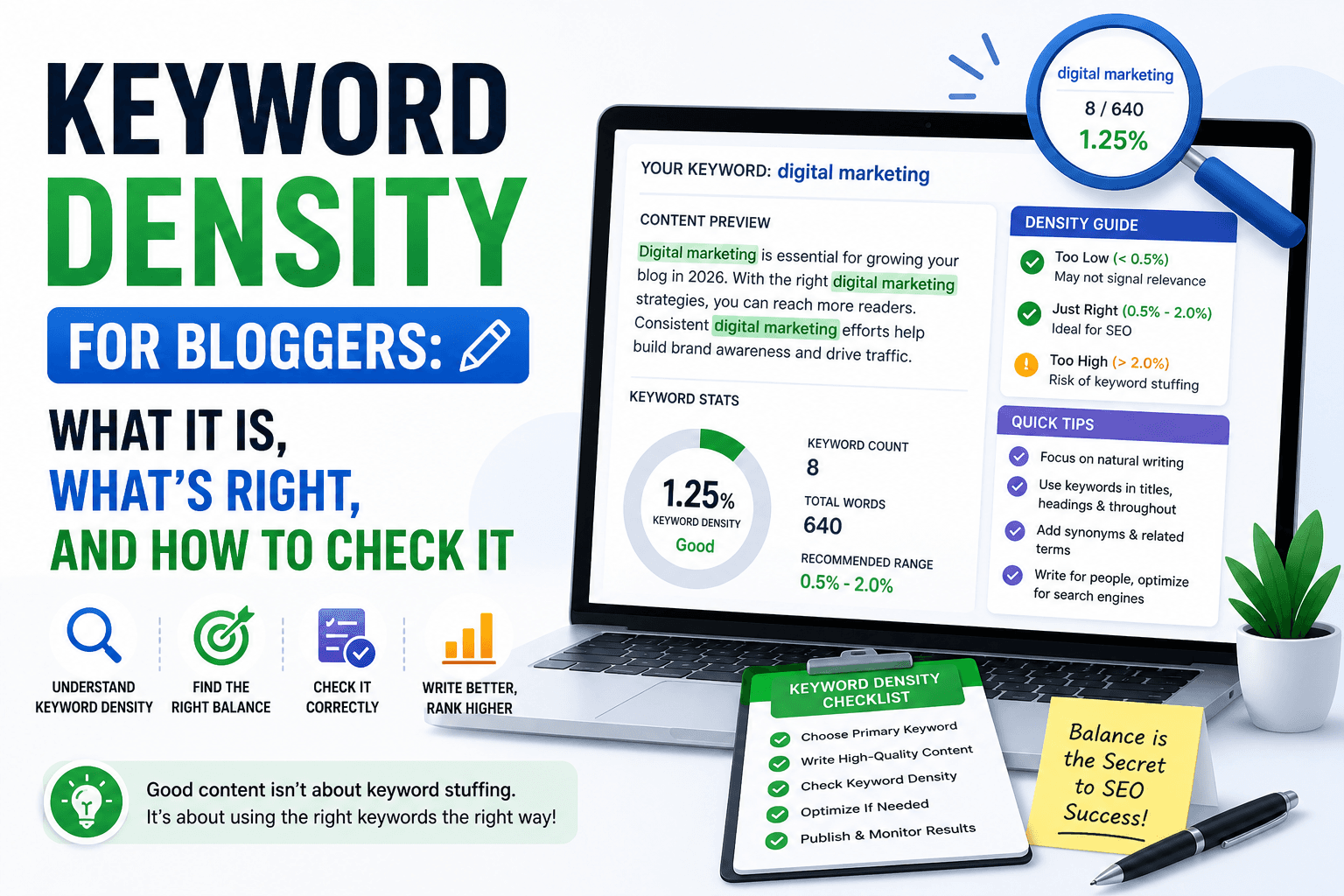
Use the word counter to audit your most important pages. Homepage and service pages targeting competitive keywords should have at least 600–800 words of substantive content. Check the keyword density checker to confirm your primary keyword appears naturally throughout, typically 1–2% density.
How to Fix
Expand your top 3–5 pages first. Add: what the service includes, who it's for, how the process works, what area you serve, and answers to common questions. A FAQ section on every service page both increases word count and targets long-tail "how" and "what" searches directly.
Run a free SEO audit on your website, find out exactly which pages are holding back your rankings and why.
Local SEO Audit for Small Business
This is the section most generic SEO audits skip entirely, and it's where the majority of small business rankings are actually won or lost.
Google Business Profile Optimization
Your Google Business Profile (GBP) is the single most important local ranking signal. When someone searches "plumber near me" or "accountant in [city]," Google shows GBP listings before organic results. If your profile is incomplete, unverified, or inconsistent with your website, you're invisible in local search.
How to Check: Search your business name on Google. Does your profile appear? Is it verified? Does it show: your correct address, phone, hours, website URL, business category, and photos?
How to Fix:
- Verify your Google Business Profile if not already done
- Set your primary business category precisely (e.g., "Emergency Plumber" not just "Plumber")
- Add all secondary relevant categories
- Write a 250-word business description with your primary local keyword
- Upload at least 10 photos: exterior, interior, team, services, work samples
- Enable and respond to all customer reviews within 24 hours
Local Keywords
Small business SEO fails when pages target generic keywords ("plumber") instead of local keywords ("plumber Austin TX," "emergency plumber South Austin"). Local keyword targeting brings searchers with actual intent to hire, not just browse.
How to Check: Review your homepage and service page title tags. Do they include your city or service area? Use the keyword density checker to confirm local keywords appear in your content.
How to Fix: Add city and neighborhood modifiers to: title tags, H1 headings, meta descriptions, the first paragraph of your homepage, and each service page. Create dedicated pages for each service area you cover if you serve multiple cities, one page targeting "plumber Austin" and a separate page targeting "plumber Round Rock."
Citation Consistency
Citations are mentions of your business Name, Address, and Phone number (NAP) across directories: Yelp, Yellow Pages, Bing Places, Apple Maps, and hundreds of niche directories. Inconsistent citations, different phone numbers, suite formats, or business names, send conflicting signals to Google and suppress local rankings.
How to Check: Search your business name on Google. Check your top 10 directory listings for NAP consistency. Even small differences like "St." vs "Street" or a missing suite number create inconsistency.
How to Fix: Standardize your NAP across every directory. Use the exact same business name, address format, and phone number everywhere, including your website footer, contact page, and GBP. Submit consistent information to the top 10 citation sources: Yelp, Bing Places, Apple Maps, Facebook, Foursquare, YellowPages, BBB, and industry-specific directories.
Reviews
Google uses review quantity, recency, and response rate as local ranking signals. A business with 80 reviews ranking at 4.4 stars outperforms a competitor with 12 reviews at 4.9 stars in most categories. Reviews also directly influence whether someone calls you after finding your listing.
How to Fix: Create a Google review link (from your GBP dashboard) and send it to every satisfied customer via text or email within 24 hours of completing a job. Respond to every review, positive and negative, within 48 hours. Aim for at least 5 new reviews per month. Never buy fake reviews; Google detects and removes them, sometimes penalizing the listing.
Featured Snippet: How do I do a local SEO audit for my small business? Check your Google Business Profile for completeness, verify your NAP is consistent across all directories, confirm local keywords appear in your title tags and page content, and review your Google ratings and response rate. These four factors control the majority of your local search visibility.
Audit your website now with the free SEO tool, get a scored report on your on-page SEO in seconds. Fix the issues yourself today.
SEO Audit Checklist for Small Business
Use this as your working audit checklist. Check each item against your website.
Indexing
- Google Search Console is set up and verified
- XML sitemap exists and is submitted in Search Console
- Homepage is indexed, check via site:yourdomain.com in Google
- No important pages set to noindex
- robots.txt is not blocking any key pages or resources
Meta Tags
- Every page has a unique title tag under 60 characters
- Title tags include the primary keyword
- Every page has a unique meta description of 150–160 characters
- No duplicate or missing title tags across the site
- Open Graph tags are set for social sharing
Content
- Each service page has at least 600 words of substantive content
- Every page has exactly one H1 tag including the keyword
- H2/H3 heading structure is logical and consistent
- Primary keyword appears in the first paragraph
- FAQ section on all major service pages
Speed
- All images are compressed before upload
- Page loads in under 2.5 seconds on mobile (LCP)
- Caching is enabled
- Render-blocking scripts are deferred
Local SEO
- Google Business Profile is verified and complete
- NAP is identical on website, GBP, and all major directories
- City/service area in title tags and H1s
- Dedicated pages for each service area served
- Reviews are being actively collected and responded to
Backlinks
- At least 3–5 local business directories list your site
- Local chamber of commerce or business association listing
- At least one industry-specific directory links to you
Fix Your Website SEO in Minutes
Manual checking takes hours. You'd need to inspect your page source, test page speed separately, check your meta tags one by one, and cross-reference your sitemap manually.
The free SEO audit tool does all of it in one scan:
- Checks 18 on-page and technical SEO factors simultaneously
- Returns a prioritized fix list sorted by ranking impact
- Shows you the exact content of every tag, title, description, canonical, robots meta, structured data
- Flags missing elements, duplicate tags, and configuration errors
- Works on any public URL: homepage, service pages, blog posts, product pages
Paste your URL. Click run. Get your report. Fix the top issues today.
No account needed. No credit card. No limit on scans.
Run your free small business SEO audit now →
How Often Should You Audit?
- After any redesign or CMS migration, immediately, since these events commonly break title tags, redirects, and canonical configurations
- After adding new pages, confirm new service or location pages are indexed and optimized
- Quarterly minimum, check your most important pages every 3 months for regressions
- After a ranking drop, run an audit on the specific page that dropped to find what changed
FAQ
How do I do an SEO audit for my small business website? Paste your homepage URL into the free SEO audit tool. It checks 18 on-page and technical SEO factors, title tags, meta descriptions, heading structure, canonical URL, HTTPS, robots meta, structured data, and more, in under 10 seconds. You get a scored report with a prioritized list of issues to fix. Start with your homepage, then audit each service page individually.
How much does an SEO audit cost for a small business? A basic on-page SEO audit is free using tools like ToolsNest's SEO audit tool. Full agency audits covering technical SEO, backlink analysis, competitor research, and content gaps typically range from $500 to $3,000 for a small business site. For most small businesses, the free tool handles the foundational on-page issues, fix those first before investing in an agency audit.
Can I do an SEO audit myself without technical knowledge? Yes. The free SEO audit tool requires no technical knowledge. Paste your URL, read the report, and follow the fix instructions. The most impactful fixes, rewriting title tags, adding meta descriptions, compressing images, submitting a sitemap, can all be done through your CMS (WordPress, Squarespace, Wix, Shopify) without touching code.
Why is my small business website not ranking on Google? The most common causes: pages not indexed (check Search Console), missing or keyword-free title tags, no local keywords in your content, slow page speed on mobile, missing Google Business Profile, and thin content competing against more detailed pages. Run the free SEO audit to identify which of these apply to your specific site.
How long does SEO take to work for a small business? On-page SEO fixes typically show ranking movement within 4–8 weeks after Google re-crawls your pages. Local SEO changes, Google Business Profile updates, new citations, reviews, often show results faster, within 2–4 weeks. Building backlinks and content authority takes 3–6 months before consistent ranking gains appear. The quickest wins are always technical fixes: fixing noindex errors, missing title tags, and sitemap submissions.
What is the difference between on-page SEO and local SEO for a small business? On-page SEO focuses on what's on your website: title tags, content quality, page speed, internal links, and technical configuration. Local SEO focuses on signals outside your website: Google Business Profile completeness, citation consistency across directories, and customer reviews. Small businesses serving a geographic area need both, on-page SEO to rank in standard search results, local SEO to appear in the map pack (the top 3 Google Business listings).
What SEO audit tool is best for small businesses? For on-page and technical SEO, the free SEO audit tool at ToolsNest checks 18 factors instantly with no account or payment required. For keyword research and backlink analysis, tools like Ahrefs or Semrush offer paid plans. For local SEO monitoring, Google Search Console and Google Business Profile Insights are free and essential. Start with the free on-page audit, fix the foundational issues first before adding paid tools.