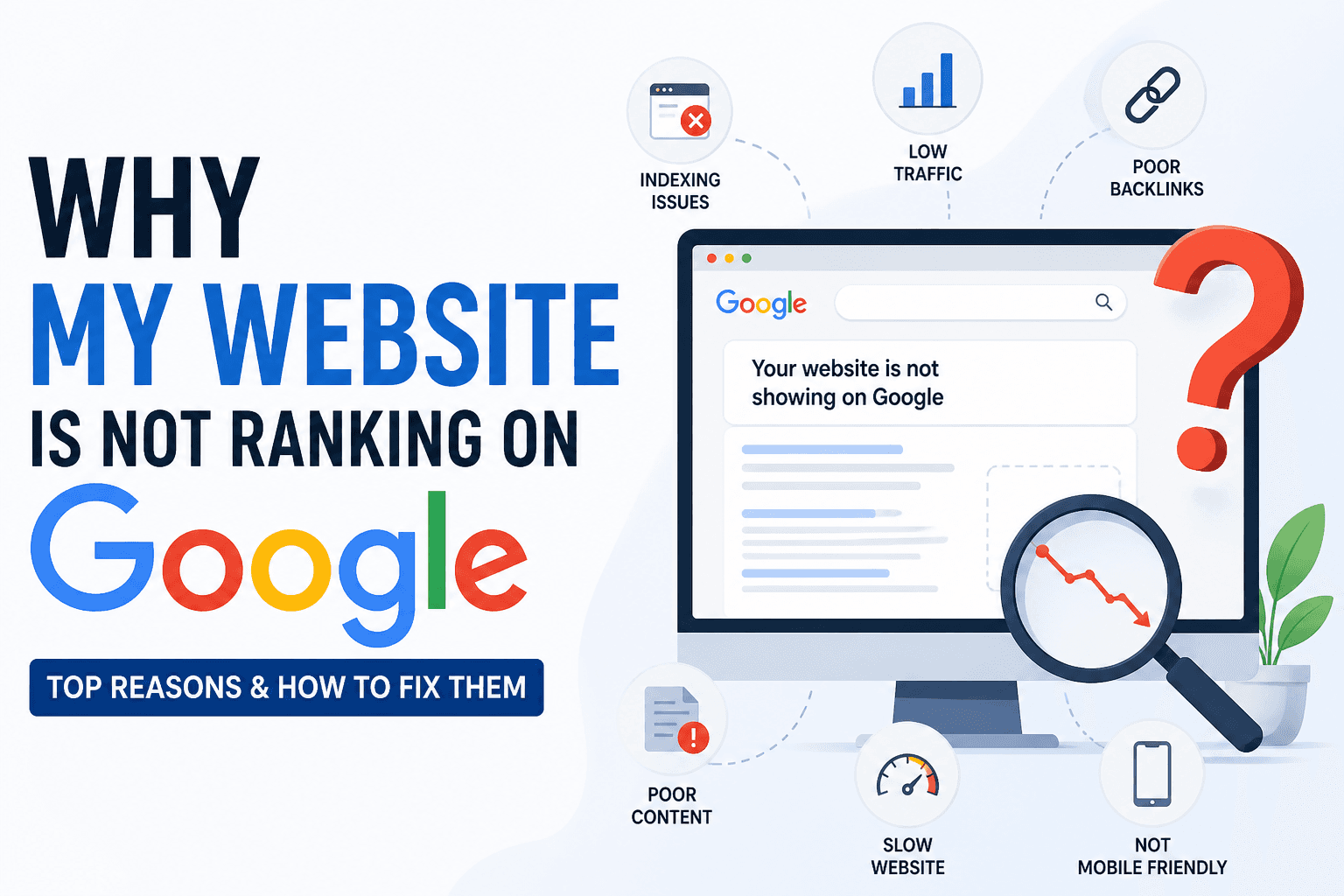
Your website has been live for months, maybe longer. You've published content, tweaked the design, maybe even run some ads. But when a potential customer searches for exactly what you offer, your competitors appear on the first page and you don't. Some of them have simpler sites, shorter history, and, if you're being honest, weaker products. Yet they rank. You don't.
This is not bad luck, and it is not an algorithm mystery. In almost every case, it comes down to specific, fixable problems that have never been properly diagnosed. The tool for diagnosing them is an SEO audit. This guide walks through the complete process, step by step, with exactly what to check, how to check it, and how to fix it, for anyone who has never done one before.
What Is an SEO Audit and Why It Matters
An SEO audit is a structured diagnostic review of every factor affecting how search engines discover, read, index, and rank your website. It covers on-page signals (title tags, headings, content), technical factors (HTTPS, canonical URLs, crawl configuration), off-page signals (backlinks, domain authority), and content quality, all in a single, prioritized process.
The reason it matters: Google doesn't guess what your pages are about. It reads specific signals in a specific order. If those signals are missing, misconfigured, or contradictory, Google either can't rank your pages or chooses not to. The vast majority of websites that struggle with traffic have not one problem but a cluster of small, related problems that compound each other. An audit surfaces them all at once and tells you which ones to fix first.
Without an audit, SEO work is guesswork, you improve what you think is wrong and hope it works. With one, every hour you spend on your website is aimed at a specific, confirmed issue with a known ranking impact. If you've been asking why your website is not ranking on Google, this process will answer it concretely.
When You Should Perform an SEO Audit
An audit is most valuable at specific, predictable moments, not just once at launch and never again.
After a traffic drop. If your organic traffic has declined over 4–6 weeks with no obvious cause, an audit identifies whether the cause is technical (accidental noindex, broken redirects, deindexed pages), content-related (thin content penalty, intent mismatch), or algorithmic (a Google update targeting specific page types). Guessing without data wastes weeks of recovery time.
Before or after a website redesign. Redesigns and CMS migrations are the most common source of catastrophic SEO loss. URLs change, canonical tags disappear, pages go noindex, JavaScript frameworks block crawlers. Audit before and immediately after to catch regressions before they suppress rankings for months.
When launching a new website. New sites almost always have foundational gaps, no sitemap submitted, default CMS title tags, pages not yet indexed, missing canonical URLs. Auditing at launch catches these before they cost you the first three months of ranking opportunity.
When rankings plateau. If your pages sit on page two for target keywords and can't move forward, an audit identifies the specific gap, usually a content depth issue, a missing technical signal, or a backlink gap relative to top-ranked competitors.
Quarterly as standard maintenance. Even healthy sites accumulate drift. Plugin updates silently alter meta behavior. Content goes stale. New pages get published without proper optimization. A quarterly audit catches these before they compound.
Step-by-Step SEO Audit Process
Work through these steps in order. Each one builds on the last, and the steps at the top have the highest potential impact if issues are found there.
Step 1: Verify Google Can Find and Index Your Pages
What to check: Whether Google has indexed your key pages and whether any important pages are being excluded from search results entirely.
How to check it: Type site:yourdomain.com into Google and count the results. Compare that number to your actual published page count. If you have 50 pages but Google shows 12, you have a significant indexation problem. Then open Google Search Console → Pages → review the Not Indexed section. Look specifically for pages marked "Noindexed by page" or "Crawled, currently not indexed."
How to fix it: For pages with a noindex directive that shouldn't have one, remove the directive from the page's <head> or correct the setting in your CMS or SEO plugin. For "Crawled, currently not indexed," the cause is usually thin content, expand those pages substantially. Submit your updated sitemap in Search Console after making changes.
Step 2: Audit Every Title Tag
What to check: Whether every important page has a unique, keyword-focused title tag that accurately describes the page's content and stays within the character limit Google displays.
How to check it: Use the free SEO audit tool to scan individual pages, it checks title tag presence, character count, and keyword signal in under 10 seconds. For a full site scan, a tool like Screaming Frog crawls all pages and exports title tag data in bulk.
How to fix it: Every page needs a unique title under 60 characters containing the primary keyword, ideally near the front. Format: Primary Keyword, Secondary Detail | Brand. Replace CMS defaults like "Home" or "Untitled" immediately, these are the single most damaging on-page issue for most sites. For quick title generation, the free meta tag generator builds correctly structured titles with character count preview.
Step 3: Review All Meta Descriptions
What to check: Whether every key page has a unique, manually written meta description between 150–160 characters that gives searchers a reason to click.
How to check it: Run the free SEO audit tool on each important page, it flags missing, duplicate, and oversized meta descriptions immediately. Alternatively, inspect the page source (Ctrl+U) and search for <meta name="description".
How to fix it: Write a unique meta description for every page you want traffic from. Include the target keyword naturally, state a specific benefit or answer preview, and keep it under 160 characters. Pages where Google auto-generates the description, because none was written, almost always earn fewer clicks than pages with manually crafted descriptions. This is a fast, high-impact fix requiring zero technical knowledge.
Step 4: Check Heading Structure
What to check: Whether every page has exactly one H1 tag containing the primary keyword, and whether the heading hierarchy is logical with no skipped levels.
How to check it: In your browser, right-click the page → View Page Source, then search for <h1. Count how many appear. Alternatively, the SEO audit tool checks H1 presence and keyword inclusion automatically. For the full heading hierarchy, browser extensions like Web Developer Toolbar show all headings on a page in a structured outline.
How to fix it: Every page needs exactly one H1, no more, no less, with the target keyword included. H2 headings should organize major sections; H3 headings organize subsections within those. Fix pages with multiple H1 tags by demoting all but the primary one. Fix pages with no H1 by adding one at the top. Never skip heading levels, don't jump from H2 to H4.
Step 5: Evaluate Content Quality and Search Intent
What to check: Whether your page's format, depth, and angle genuinely match what a person searching your target keyword actually wants to find.
How to check it: Search your target keyword in a private browser window. Examine the top five results. Are they listicles, step-by-step guides, comparison pages, tool pages, or product pages? What approximate depth do they cover, how many sections, what subtopics? If your page's format differs fundamentally from what dominates the first page, you have a search intent mismatch.
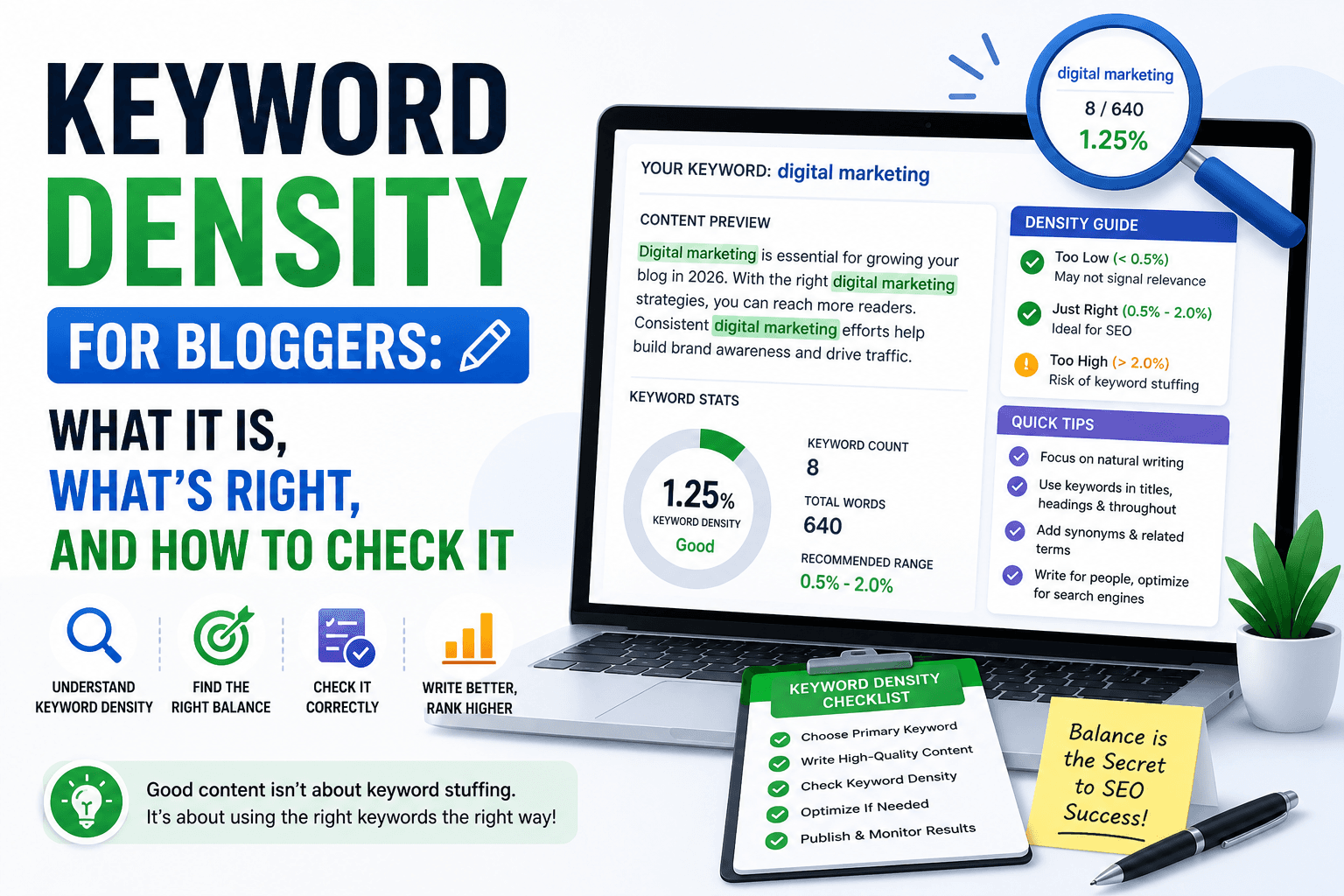
How to fix it: Match the dominant format of top-ranking pages. If everyone ranking uses a guide format and you have a product page, restructure. Check content depth, if competitors average 1,400 words and your page has 300, content depth is a direct gap. Also verify keyword usage: the primary keyword should appear in the title, H1, first paragraph, and 2–3 times naturally throughout. Use the free keyword density checker to verify frequency without stuffing.
Step 6: Fix Technical SEO Fundamentals
What to check: Four critical technical signals that suppress rankings silently, HTTPS status, canonical tag configuration, robots meta directives, and mobile viewport tag.
How to check it: The free SEO audit tool checks all four simultaneously on any URL in one scan. For manual verification: check your browser address bar for the padlock icon (HTTPS); view source and search for canonical, robots, and viewport to confirm each is present and correctly configured.
How to fix it: HTTPS, install a free SSL certificate via your hosting provider and ensure every page redirects from HTTP. Canonical tags, every page should have <link rel="canonical" href="[clean URL]"> in the <head>. Robots meta, remove any accidental noindex directives from pages that need to rank. Viewport, confirm <meta name="viewport" content="width=device-width, initial-scale=1"> is present on every page for Google's mobile-first indexing.
Step 7: Test Page Speed on Mobile
What to check: Whether your pages load fast enough on mobile connections to satisfy both Google's Core Web Vitals thresholds and user expectations.
How to check it: Run each key page through Google's free PageSpeed Insights tool. Focus on the Largest Contentful Paint (LCP) metric, the time it takes for the main content to fully appear. The target is under 2.5 seconds. Also check for specific recommendations under "Opportunities", these are ranked by potential time savings.
How to fix it: Unoptimized images are responsible for slow LCP on the vast majority of sites. Compress every image, convert to WebP format (30–50% smaller than JPEG at equivalent quality), and set explicit width and height attributes. For render-blocking issues, add the defer attribute to non-critical JavaScript. If your server response time is above 500ms, your hosting tier is likely the bottleneck, not your content or code.
Step 8: Audit Internal Link Structure
What to check: Whether every important page on your site has internal links pointing to it from other pages, and whether those links use descriptive anchor text.
How to check it: Identify orphan pages, pages with zero internal links pointing to them, by mapping your site structure or running a crawl with Screaming Frog (free up to 500 URLs). For anchor text quality, review the outbound links on your highest-traffic pages and check whether anchor text describes the linked page's topic.
How to fix it: For each orphan page, add two or three contextual internal links from topically related existing pages. Don't create a footer link dump, add links where they genuinely help the reader access more relevant information. Replace all generic anchor text ("click here," "read more") with descriptive keyword phrases that reflect the target keyword of the linked page.
Step 9: Review Your Backlink Profile
What to check: The total number of unique referring domains linking to your site, the quality of those links, and how your backlink count compares to the top-ranking pages for your target keywords.
How to check it: Google Search Console → Links shows your top linked pages and linking domains for free. For competitor comparison, Ahrefs Webmaster Tools (free tier) lets you analyze your backlink profile and see referring domain counts for competing pages.
How to fix it: For most beginners, the priority is fixing on-page and technical issues first, backlinks amplify a strong foundation but don't compensate for a broken one. After your technical foundation is clean, focus on earning links through original content, data, or resources that competing pages in your niche would genuinely reference. For toxic links from obvious spam networks, submit a disavow file through Google Search Console.
Step 10: Audit URL Structure Across the Site
What to check: Whether your URLs are clean, readable, keyword-descriptive, and free from parameters, uppercase letters, or unnecessary depth that signals poor site architecture.
How to check it: Review your site's URL patterns systematically. Check for: parameter-heavy URLs (?id=22&session=abc), URLs with uppercase letters or special characters, very deep structures (/a/b/c/d/page), and URLs that contain no meaningful keywords. Also check that HTTP URLs redirect cleanly to their HTTPS equivalents with no intermediate hops.
How to fix it: For new pages, always use lowercase, hyphen-separated slugs that include the primary keyword: /services/commercial-plumbing-london beats /page22 in every measurable way. For existing pages with poor URLs, set up 301 redirects from the old URL to the clean new one, don't leave both URLs live or you'll create duplicate content.
Common SEO Audit Mistakes
Starting with backlinks before fixing the page. Backlinks are a significant ranking signal, but they amplify an existing on-page and technical foundation. Earning 20 new links to a page with a missing title tag and thin content produces far less ranking movement than fixing the title tag, expanding the content, and then earning five links. Always clean up on-page issues first.
Trusting plugin green lights as a passing audit. Yoast, RankMath, and similar plugins check a useful but narrow set of on-page elements. They don't evaluate indexation status, canonical configuration errors, mobile performance, or real content quality gaps. A green plugin score means your title and meta description are present, not that your page is ready to rank.
Trying to fix every issue at once. A real audit returns 20–40 issues across a typical 30-page site. Beginners try to address everything simultaneously, lose track, and abandon the process halfway through. Fix Critical issues first (indexation, noindex), then High (title tags, meta descriptions, HTTPS), then Medium (image alt text, heading structure). Prioritized beats scattered every time.
Auditing once and treating it as permanent. Plugin updates, theme changes, content edits, and new pages constantly introduce new issues. A site that passed a clean audit in January may have accumulated a dozen regressions by April. Quarterly audits, and immediate audits after any significant site change, catch problems before they have time to suppress rankings.
Ignoring mobile performance entirely. Over 60% of Google searches happen on mobile. Google evaluates the mobile version of your site for ranking purposes. A site that loads in 1.8 seconds on desktop but takes 6 seconds on a 4G mobile connection is being evaluated at 6 seconds. Mobile performance is not optional.
Manual vs Automated SEO Audits
Manual auditing means directly inspecting your pages, reading source code, reviewing content for quality and intent match, analyzing Search Console data, and assessing each ranking factor with your own judgment. The advantage is nuance: a skilled auditor notices intent mismatches, confusing content structures, and subtle UX problems that no automated tool flags. The limitation: it's slow. A manual audit of a 40-page site takes a full working day.
Automated auditing uses tools to crawl your site and check dozens of factors simultaneously. For beginners, automated tools have a decisive advantage: they catch issues that are genuinely invisible to the human eye, a noindex tag on 12 pages, a canonical tag pointing to the wrong URL, images missing alt text sitewide, 14 pages returning redirect codes instead of 200. Manual inspection never catches everything a systematic scan does.
The most effective approach combines both: run an automated audit first to build the complete issue baseline, then apply your own judgment to the highest-priority items, especially content quality and search intent, which tools evaluate imperfectly.
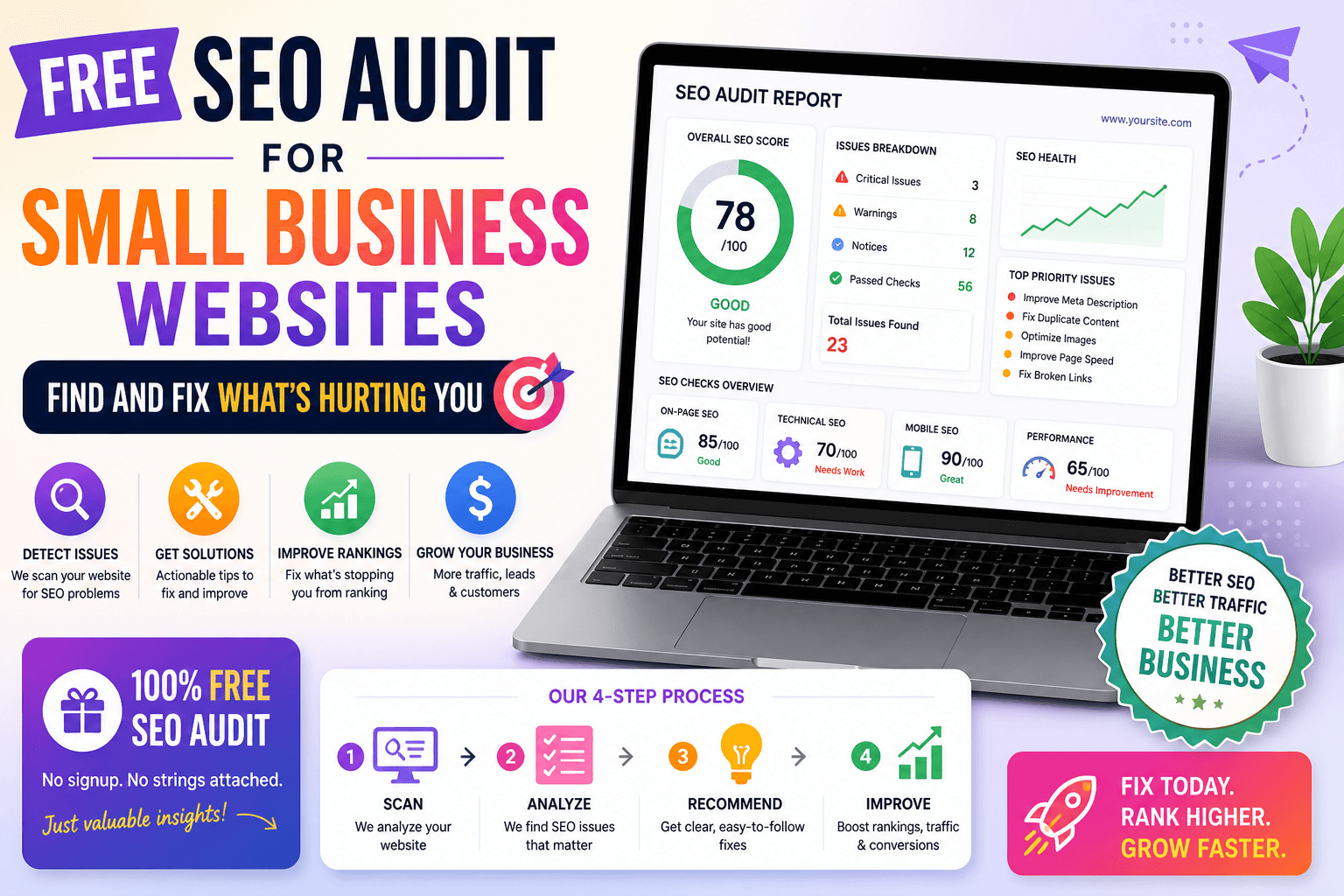
The free SEO audit tool runs an automated check across 18 on-page and technical SEO factors in under 10 seconds, no account, no cost, no installation required. It returns an overall SEO score out of 100, a priority-labelled issue list (Critical, High, Medium), and a plain-English fix recommendation for each problem. It's the fastest way to go from "I don't know what's wrong" to "I have a specific list of what to fix."
For small business owners specifically, the free SEO audit tool for small business covers the same checks with context specific to local shops, service providers, and small ecommerce stores, including local SEO gaps that standard audit tools miss entirely.
SEO Audit Checklist
Use this as a working reference. Check each item off in order before moving to the next section.
Indexation & Crawlability
-
site:yourdomain.comconfirms the expected number of pages are indexed - Google Search Console shows no critical Not Indexed errors on key pages
- XML sitemap exists, is valid, and is submitted to Search Console
- robots.txt is valid and not blocking important pages or JS/CSS resources
- No important pages carry an accidental noindex directive
On-Page SEO
- Every page has a unique title tag under 60 characters with the target keyword
- Every page has a unique meta description of 150–160 characters
- Every page has exactly one H1 containing the primary keyword
- Heading hierarchy is logical, H1 → H2 → H3, no skipped levels
- Content format and depth match the search intent of the target keyword
- Primary keyword appears in the first paragraph and naturally 2–3× in the body
- All images have descriptive, keyword-relevant alt text
Technical SEO
- Entire site served over HTTPS with a valid, unexpired SSL certificate
- Every page has a self-referencing canonical tag pointing to the clean URL
- Mobile viewport meta tag present on every page
- No broken internal links returning 404 errors
- URL slugs are lowercase, hyphen-separated, and keyword-descriptive
Performance
- LCP under 2.5 seconds on mobile (verified in PageSpeed Insights)
- All images compressed and served in WebP format
- No render-blocking JavaScript or CSS in the critical rendering path
Internal Linking & Authority
- No orphan pages, all important pages have contextual internal links
- Internal link anchor text is descriptive and keyword-relevant
- Backlink profile reviewed in Search Console, no obvious toxic links
FAQ
How long does a complete SEO audit take? An automated tool audits a single page in under 10 seconds and a full small website in 20–30 minutes. A thorough manual audit covering content quality, competitor analysis, and backlink review for a 40-page site takes 4–8 hours. The practical approach: use the automated tool to identify every technical and on-page issue quickly, then spend your manual time on content quality evaluation, the one area tools assess imperfectly.
Do I need technical skills to run an SEO audit? No. The most impactful issues, missing title tags, absent meta descriptions, thin content, untagged images, require zero technical knowledge to identify or fix. They're managed through your CMS editor. The free SEO audit tool reports technical issues like canonical tags and noindex directives in plain English with specific fix instructions, without requiring you to read source code.
How often should I audit my site? Run a full audit quarterly as standard practice. Always run a targeted audit immediately after a redesign, domain migration, CMS update, or major content change, these events consistently introduce regressions that go unnoticed until rankings drop weeks later. Since the automated audit takes under two minutes, there's no practical reason to skip it after any significant change.
My audit came back clean but I'm still not ranking. What's missing? Clean technical and on-page signals create the foundation for ranking, they remove barriers that prevent Google from ranking your pages. If the foundation is solid but rankings are still weak, the gap is usually one of three things: content depth (your pages don't cover the topic as thoroughly as competing pages), backlinks (competing pages have significantly more referring domains), or search intent mismatch (your page format doesn't match what the top results provide). Read the detailed breakdown of why your website is not ranking on Google to identify your specific bottleneck.
Run Your Audit Right Now
Every week your site has unfixed SEO issues is another week competitors take traffic, and customers, that should be yours. The complete process in this guide gives you a systematic, repeatable framework: confirm indexation, fix on-page signals, clean up technical issues, evaluate content quality, improve speed, audit internal links, and track what changes.
The fastest way to start is to run the free SEO audit tool on your homepage right now. In under 10 seconds, you'll have a scored report, a priority-ordered fix list, and a plain-English action for every problem found. No account. No cost. No excuses left to wait.