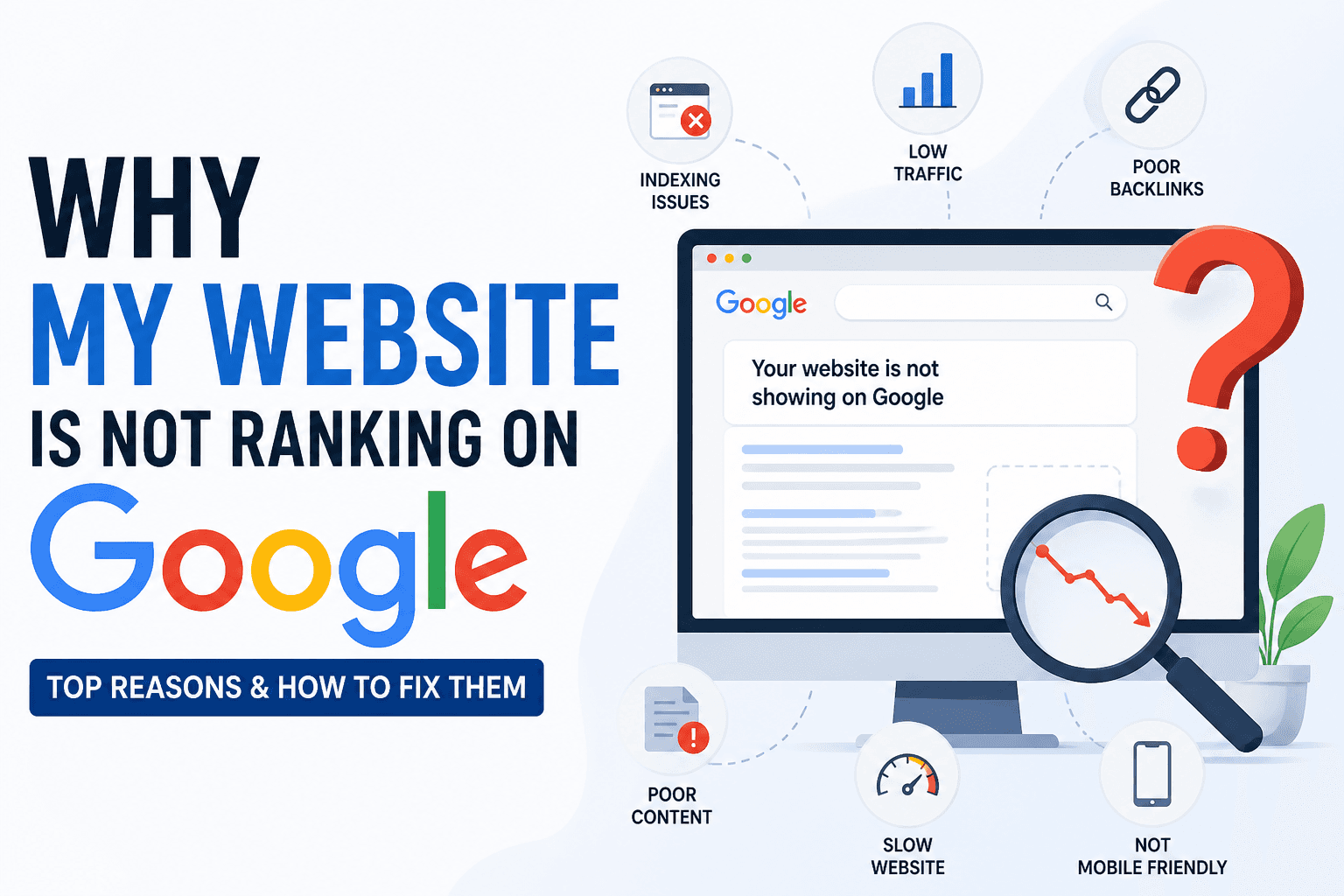
Your website is live. Your content is published. Your competitors, some with simpler sites and shorter histories, rank above you for searches that should send customers to you. You've tried publishing more, tweaking the design, maybe running ads. Nothing has moved your organic rankings.
The reason is almost never mysterious. It's almost always a cluster of specific, fixable problems that no one has systematically identified. This checklist exists to change that. Work through all 25 items and you will find what's holding your site back, usually within the first ten.
Why You Need an SEO Audit Checklist
SEO problems are invisible by default. A page can look flawless in a browser while carrying a missing canonical tag, an accidental noindex directive, thin content Google refuses to rank, and a title tag with no keyword, none of which appear without a structured check.
A checklist forces completeness. Instead of guessing which one thing to fix, you run through every layer of your site systematically: how Google discovers your pages, what your on-page signals communicate, whether your technical configuration is correct, and whether your content earns its position. Every item you check off is one fewer unknown.
If you've been trying to understand how to fix a website not ranking on Google, the answer is almost certainly inside one of the seven categories below.
SEO Audit Checklist (Step-by-Step)
Indexing and Crawlability
1. Google has indexed your key pages
What it is: Indexation is Google's decision to include your page in its searchable database. A page that isn't indexed cannot appear in any search result, ever.
Why it matters: Accidental noindex tags, misconfigured robots.txt files, and CMS staging settings that were never removed silently exclude entire site sections from Google. The site works fine; it simply doesn't exist in search.
How to fix it: Search site:yourdomain.com on Google. Compare the result count to your actual published pages. Then open Google Search Console → Pages → review the Not Indexed list for any pages that should rank.
2. XML sitemap exists and is submitted to Google
What it is: An XML sitemap tells Google exactly which URLs you want crawled and indexed, rather than relying on link discovery alone. Why it matters: Without a sitemap, new pages and deep site sections can go undiscovered for weeks. Google may never find pages that no other page links to. How to fix it: Generate a valid sitemap (the free sitemap generator handles this in seconds) and submit it in Google Search Console under Indexing → Sitemaps.
3. robots.txt is not blocking important pages
What it is: The robots.txt file tells crawlers which pages to access. A misconfiguration can block Google from crawling your entire site.
Why it matters: Sites launched from staging environments commonly ship with Disallow: /, blocking everything, and the error is never caught because the site loads normally in a browser.
How to fix it: Visit yourdomain.com/robots.txt directly and check for broad Disallow rules. Use Google Search Console's robots.txt tester to verify that your most important URLs are accessible.
4. No important pages carry an accidental noindex directive
What it is: A noindex meta tag instructs Google to exclude a specific page from its index. Plugins, theme settings, and CMS configurations can apply this silently.
Why it matters: A perfectly written, technically correct page excluded from the index by one wrong checkbox is completely invisible to search, regardless of how well everything else is optimized.
How to fix it: Run the free SEO audit tool on each key page and check the robots meta output. Remove any <meta name="robots" content="noindex"> from pages that need to rank.
On-Page SEO
5. Every page has a unique, keyword-focused title tag
What it is: The title tag is the primary on-page signal Google reads to understand what a page is about and match it to search queries.
Why it matters: Generic or missing title tags, "Home," "Untitled," or just your brand name, give Google nothing to work with. Without a keyword in the title, your page competes blind.
How to fix it: Write a unique title for every page in the format Primary Keyword, Supporting Detail | Brand. Keep it under 60 characters. Use the free meta tag generator to build and preview each one.
6. Title tags are under 60 characters
What it is: Google truncates title tags that exceed approximately 60 characters in search results, cutting off everything past the limit. Why it matters: If your keyword or differentiating phrase appears at the end of a long title, it may never actually show in search results, reducing both relevance signaling and click-through rate. How to fix it: Front-load your primary keyword. Cut any filler words. Every character over 60 is invisible to the searcher clicking through from Google.
7. Every page has a unique meta description of 150–160 characters
What it is: The meta description is the short summary text displayed under your title in search results, the first thing a searcher reads after the title. Why it matters: Missing descriptions let Google auto-generate text from your page, which is rarely compelling and almost never contains your keyword in useful context. Strong descriptions improve click-through rate directly. How to fix it: Write a unique 150–160 character meta description for every important page. Include the target keyword and give the searcher a specific, concrete reason to click over competing results.
8. Each page has exactly one H1 containing the target keyword
What it is: The H1 is the main heading on a page, the clearest topical signal for both Google and users. Why it matters: Multiple H1 tags on one page confuse Google about the page's primary focus. A missing H1 removes the most prominent keyword signal entirely. How to fix it: Every page needs exactly one H1, and it must contain the primary keyword. Demote or restructure any additional H1 tags to H2. Add an H1 to any page that currently has none.
9. Heading hierarchy is logical, H1 → H2 → H3
What it is: Headings create a semantic content outline. The structure must follow a logical, nested order with no skipped levels. Why it matters: Jumping from H2 to H5, or from H1 to H4, breaks the content hierarchy that Google uses to understand how information is organized on your page. How to fix it: Audit each page's heading structure. Reorder any headings that skip levels. Every H3 should sit inside an H2 section; every H2 should sit under the single H1.
10. URLs are clean, lowercase, and keyword-descriptive
What it is: The URL is a persistent minor ranking signal that also affects user trust and how easily people share and link to your pages.
Why it matters: A URL like /page?id=22&ref=nav carries no keyword signal and looks untrustworthy. A URL like /technical-seo-checklist is readable, shareable, and topically clear.
How to fix it: Use lowercase letters, hyphens (not underscores), and the target keyword in every slug. Set up 301 redirects from old URLs when making changes to existing pages.
Technical SEO
11. The entire site is served over HTTPS
What it is: HTTPS encrypts the connection between your server and users' browsers. HTTP pages display a "Not Secure" warning in Chrome. Why it matters: Google confirmed HTTPS as a ranking signal in 2014. The browser warning also increases bounce rate before visitors engage with your content. How to fix it: Install a free SSL certificate via your hosting provider. Confirm every page, not just the homepage, loads on HTTPS and that HTTP redirects cleanly to it.
12. Every page has a self-referencing canonical tag
What it is: A canonical tag tells Google which URL is the definitive version of a page when multiple URLs might serve the same content.
Why it matters: Without canonical tags, Google may split ranking authority across multiple versions of your pages, www vs non-www, trailing slash vs none, or URLs with tracking parameters appended.
How to fix it: Every page's <head> should contain <link rel="canonical" href="[clean URL]">. Verify your CMS or SEO plugin is outputting this correctly on every page, not just the homepage.
13. Mobile viewport meta tag is present on all pages
What it is: The viewport meta tag tells browsers how to scale and display your page on mobile devices.
Why it matters: Google uses mobile-first indexing, it evaluates the mobile version of your site to determine rankings. Pages without a viewport tag are treated as non-mobile-optimized regardless of how they actually look.
How to fix it: Confirm every page includes <meta name="viewport" content="width=device-width, initial-scale=1"> in the <head>. This is usually set by your theme, verify it's present on all page types.
14. No broken internal links returning 404 errors
What it is: Broken links point to pages that no longer exist or have moved, delivering an error page instead of content. Why it matters: Broken links waste crawl budget, create dead ends for users, and signal poor site maintenance, a signal that affects crawl frequency and user trust. How to fix it: Use Google Search Console's Pages report to find 404 errors. Fix each by updating the link to the correct current URL, or by setting up a 301 redirect from the dead URL.
15. Redirect chains are collapsed to single-hop 301s
What it is: A redirect chain occurs when URL A redirects to URL B, which redirects to URL C, creating multiple hops before reaching the final page. Why it matters: Each redirect hop adds latency and slightly reduces the authority passed through the chain. Chains of three or more hops are measurably damaging to both performance and SEO. How to fix it: Audit your redirects and update any chains so that every old URL points directly to its final destination in a single 301, bypassing all intermediate URLs.
Content Quality
16. Content format and depth match the search intent
What it is: Search intent is what the person typing a query actually wants, a guide, a product comparison, a definition, a tool, a local result. Why it matters: A technically perfect page with the right keywords will not rank if its format doesn't match what searchers expect. Google identifies intent mismatch and ranks other pages above you regardless of other signals. How to fix it: Search your target keyword and study the top five results. What format dominates, listicles, step-by-step guides, product pages, comparison tables? Match that format and cover the same subtopics at equivalent or greater depth.
17. No thin or duplicate content exists on the site
What it is: Thin content is pages with too little original, useful text. Duplicate content is near-identical copy appearing at multiple URLs. Why it matters: Google's Helpful Content system identifies and suppresses thin and duplicate pages, sometimes across entire domains, not just individual pages. How to fix it: Find pages under 300 words and either expand them substantially or consolidate them into related pages via 301 redirects. Use canonical tags to resolve URL-level duplicate content caused by parameters or session IDs.
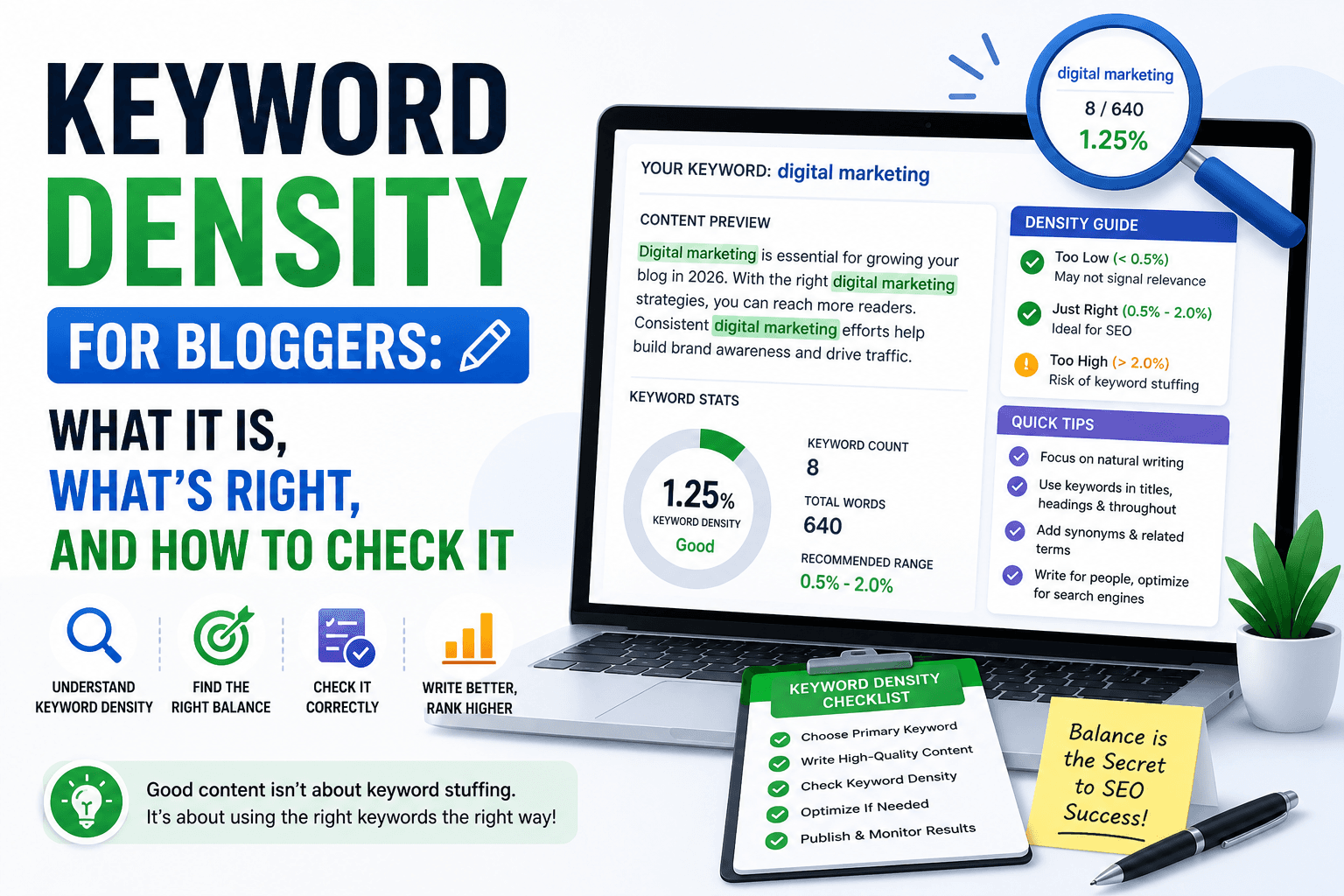
18. The primary keyword is used naturally, not stuffed
What it is: Keyword usage refers to how often and how naturally the target keyword appears in the content. Why it matters: Keyword stuffing, forcing the keyword into every other sentence, triggers spam signals and makes content unreadable. Under-use fails to signal topical relevance. How to fix it: The primary keyword should appear in the title, H1, first paragraph, and 2–3 times naturally in the body. Fill out the rest with related terms and synonyms. Check frequency with the free keyword density checker.
19. Every image has descriptive, keyword-relevant alt text
What it is: Alt text is the HTML attribute describing an image for crawlers and screen readers. Google reads alt text to understand image content since it cannot see images. Why it matters: Missing alt text on product photos, hero images, and infographics is a missed keyword signal and an accessibility failure, both of which matter for rankings. How to fix it: Add descriptive alt text to every image. Describe specifically what the image shows and include the target keyword where it fits naturally. "Red leather sofa in modern living room" beats "img003.jpg" every time.
Site Speed
20. LCP is under 2.5 seconds on mobile
What it is: Largest Contentful Paint measures how long the largest visible content element takes to fully render for the user.
Why it matters: LCP is a confirmed Core Web Vital ranking signal. Pages above 4 seconds are classified "poor" by Google and penalised in rankings. Over 60% of searches happen on mobile.
How to fix it: Test each key page in Google PageSpeed Insights. The most common LCP culprit is an unoptimized hero image. Compress it, convert to WebP, and use loading="eager" on the above-the-fold image element.
21. All images are compressed and served in WebP format
What it is: Image file size is the single largest driver of slow page load times on most websites. Why it matters: A single unoptimized JPEG hero image can be 4–6MB, more data than an entire well-optimized page. Converting to WebP cuts file sizes by 30–50% at equivalent visual quality. How to fix it: Convert all site images to WebP before upload. Compress to the smallest file size that maintains acceptable visual quality. Set explicit width and height attributes on every image to prevent layout shifts during loading.
22. No render-blocking JavaScript or CSS in the critical path
What it is: Render-blocking resources are scripts and stylesheets that must fully load before the browser can display any page content, creating a blank-screen delay.
Why it matters: On slow mobile connections, render-blocking resources add seconds of white-screen wait time before the page appears. Most users on 4G or slower connections bounce before seeing any content.
How to fix it: Add the defer attribute to non-critical JavaScript. Inline small critical CSS and load the rest asynchronously. A performance plugin or a single developer task handles this for most CMS-based sites.
Internal Linking
23. Every important page has contextual internal links pointing to it
What it is: An orphan page is a page with zero internal links pointing to it from the rest of the site. Why it matters: Google discovers pages primarily through links. Orphan pages receive no crawl priority and no internal link authority from other pages, making them consistently difficult to rank. How to fix it: Map your site structure and identify pages with no inbound internal links. Add two or three contextual links from topically related, established pages, not footer links, but relevant in-content links that genuinely help the reader.
24. Internal link anchor text is descriptive and keyword-relevant
What it is: Anchor text is the clickable text of a hyperlink. It tells Google what the linked page is about. Why it matters: "Click here" and "read more" pass zero topical context. "Free SEO audit checklist" and "on-page SEO checklist guide" tell Google exactly what the linked page covers and directly reinforce its keyword relevance. How to fix it: Audit your internal links and replace every generic anchor text with a specific, descriptive phrase that reflects the target keyword of the linked page, inserted naturally within the sentence.
Backlinks
25. Your backlink profile contains no toxic or manipulative links
What it is: Backlinks from spammy, irrelevant, or link-farm domains can actively suppress rankings through Google's Penguin algorithm, even if you never built those links intentionally. Why it matters: A cluster of toxic backlinks can offset the benefit of legitimate earned links and, at volume, trigger algorithmic or manual penalties that suppress the entire domain. How to fix it: Review your backlink profile in Google Search Console under Links, or in Ahrefs Webmaster Tools (free tier). For obvious spam link volumes, compile a disavow file and submit it to Google Search Console.
Common SEO Issues Found During Audits
Run this checklist on enough sites and the same problems appear over and over. These are the five most frequent, and most damaging:
Accidental noindex on key pages. A plugin checkbox, a staging setting, a theme option, applied to important pages and never removed. The page looks fine in a browser; Google sees it as explicitly excluded from the index.
No keyword targeting on core pages. Homepages with company descriptions and no service or location keywords. Service pages that list offerings but never specify the search query a customer would type. Google ranks pages for searches they clearly relate to, not searches you hope they're relevant for.
Thin content across multiple pages. Dozens of 150–250 word pages that look structurally valid but offer nothing Google considers genuinely useful. Google's Helpful Content system applies quality signals at the domain level, too many thin pages can suppress your entire site's rankings, not just the individual pages.
Slow mobile load times. Sites built years ago on shared hosting with full-resolution JPEG images, third-party scripts loading on every page, and no performance optimization. Every additional second of mobile load time reduces both rankings and conversion rate.
Orphan pages with no internal links. Sites where navigation and homepage link to a handful of pages and the rest of the site is structurally invisible to crawlers, content that Google finds rarely and never prioritizes for ranking.
How to Perform This Checklist Faster
Manually working through all 25 items, inspecting source code, checking Search Console reports, verifying every redirect chain, takes hours. For a site with 40 pages, a full manual pass consumes most of a working day.
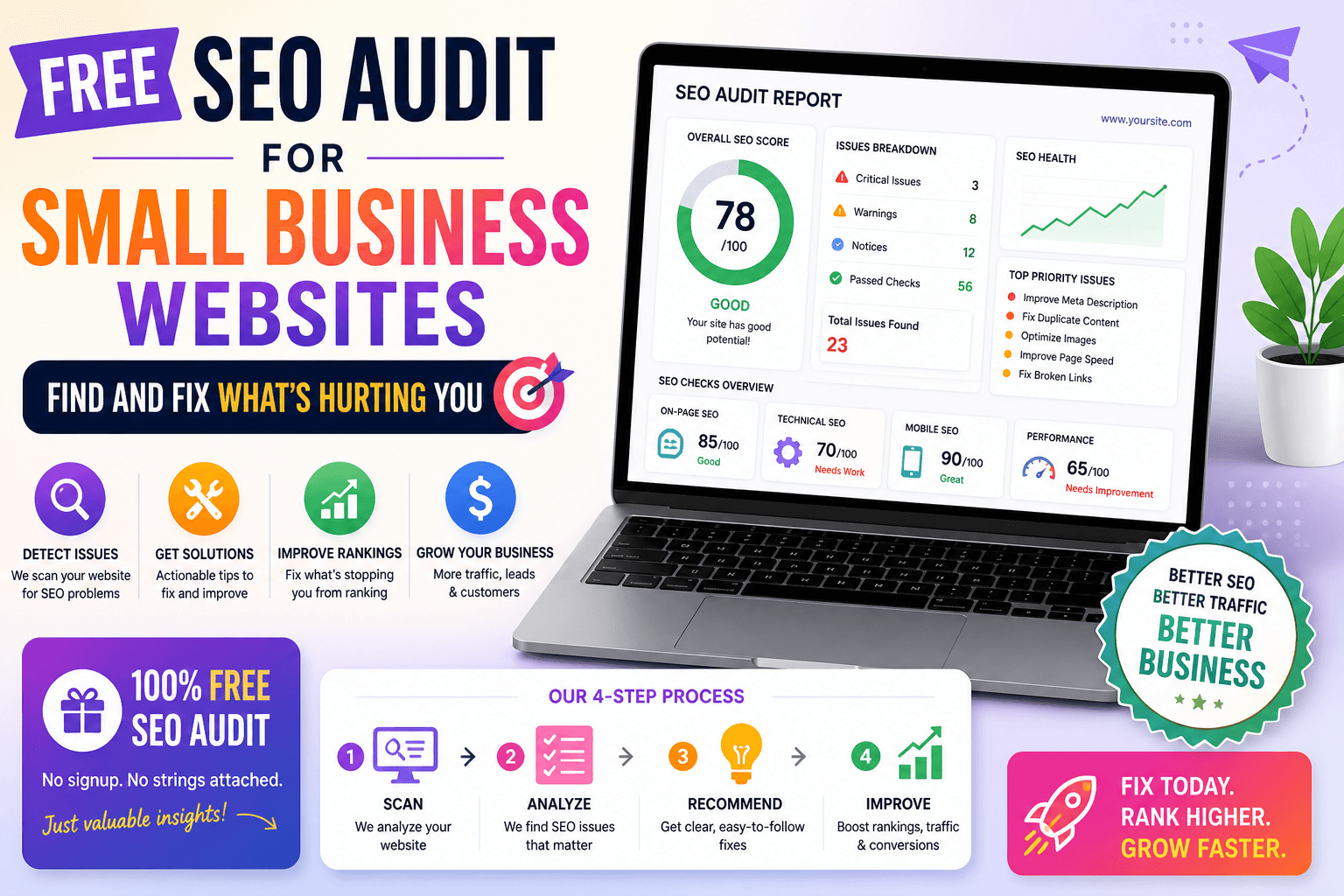
The free SEO audit tool runs the most critical checks automatically on any URL in under 10 seconds. A single scan covers: title tag presence and character count, meta description status, H1 presence and keyword signal, heading hierarchy, image alt text gaps across the page, HTTPS status, canonical tag configuration, mobile viewport declaration, robots meta directive, structured data validation, content word count, internal link depth from the homepage, and Open Graph metadata.
The result is an SEO score out of 100 and a categorized issue list, Critical, High, and Medium, with a plain-English explanation and specific fix for every problem identified. No source code inspection required. No technical background needed. Paste a URL, get a complete diagnostic in seconds.
For local shops, service businesses, and small ecommerce stores, the free SEO audit tool for small business provides the same audit with additional context for local SEO gaps, Google Business Profile issues, local citation inconsistencies, and location keyword targeting problems that the standard checklist doesn't specifically address.
SEO Audit Checklist, Quick Reference
Use this to track progress. Work through each category in order.
Indexing & Crawlability
- Key pages confirmed indexed via
site:yourdomain.com - XML sitemap exists, is valid, and submitted to Search Console
- robots.txt is not blocking important pages or resources
- No important pages carry an accidental noindex directive
On-Page SEO
- Every page has a unique title tag under 60 characters with the target keyword
- Every page has a unique meta description of 150–160 characters
- Every page has exactly one H1 containing the primary keyword
- Heading hierarchy follows H1 → H2 → H3 with no skipped levels
- Content format and depth match the dominant search intent for the keyword
- URLs are clean, lowercase, hyphen-separated, and keyword-descriptive
Technical SEO
- Entire site served over HTTPS with a valid SSL certificate
- Every page has a self-referencing canonical tag
- Mobile viewport meta tag present on all page types
- No broken internal links returning 404 errors
- All redirect chains collapsed to single-hop 301s
Content Quality
- No thin content pages under 300 words that lack original value
- No duplicate content across multiple URLs without canonical resolution
- Primary keyword used naturally, in title, H1, first paragraph, and 2–3× in body
- Every image has descriptive, keyword-relevant alt text
Site Speed
- LCP under 2.5 seconds on mobile (verified in PageSpeed Insights)
- All images compressed and served in WebP format
- No render-blocking JavaScript or CSS in the critical rendering path
Internal Linking & Backlinks
- No orphan pages, all important pages have contextual internal links
- Internal link anchor text is descriptive and keyword-relevant
- Backlink profile reviewed, no toxic or manipulative links identified
FAQ
How long does it take to work through this full checklist? With an automated tool handling the technical and on-page checks, you can complete the diagnostic phase for a 30-page site in 20–30 minutes. The remaining time goes to judgment-based items: content quality review, search intent matching, and competitor backlink comparison. Full manual verification of all 25 items takes 3–5 hours for a site of that size.
What's the highest-priority item to fix first? Fix indexation issues before anything else. A page that isn't indexed cannot rank regardless of how perfectly every other item is optimized. After confirming indexation is clean, fix title tags on your most important pages, they have the fastest and most direct impact on rankings and click-through rates, and require no technical knowledge to implement.
Can I do this checklist without any technical knowledge? Yes. The majority of items, title tags, meta descriptions, heading structure, image alt text, URL slugs, are managed directly through your CMS editor without reading code. For technical items like canonical tags and noindex directives, the free SEO audit tool surfaces issues in plain English with a specific fix instruction for each, so you know exactly what to update in your CMS or plugin settings.
I've fixed all 25 items. Why am I still not ranking? On-page and technical SEO remove the barriers that prevent Google from ranking your pages. If the foundation is solid but rankings are still weak, the remaining gap is usually one of three things: content depth (your pages don't cover the topic as thoroughly as the top-ranking pages), backlinks (competing pages have more referring domains pointing to them), or persistent search intent mismatch (your content format doesn't match what the top results provide). Read the full guide on why your website is not ranking on Google to identify which factor is your specific bottleneck.
Fix Your Site, Starting Right Now
The 25 items in this checklist are not advanced SEO tactics. They are the baseline that every website needs before any other investment, more content, link building, or paid traffic, can produce consistent results. Sites that rank well are not doing anything extraordinary. They have the fundamentals in place, they audit regularly, and they fix what drifts out of alignment.
Find out exactly where your site stands today. Run the free SEO audit tool on your homepage right now, a complete scored report with a prioritized fix list is ready in under 10 seconds. No account. No cost. No more guessing about what to fix first.