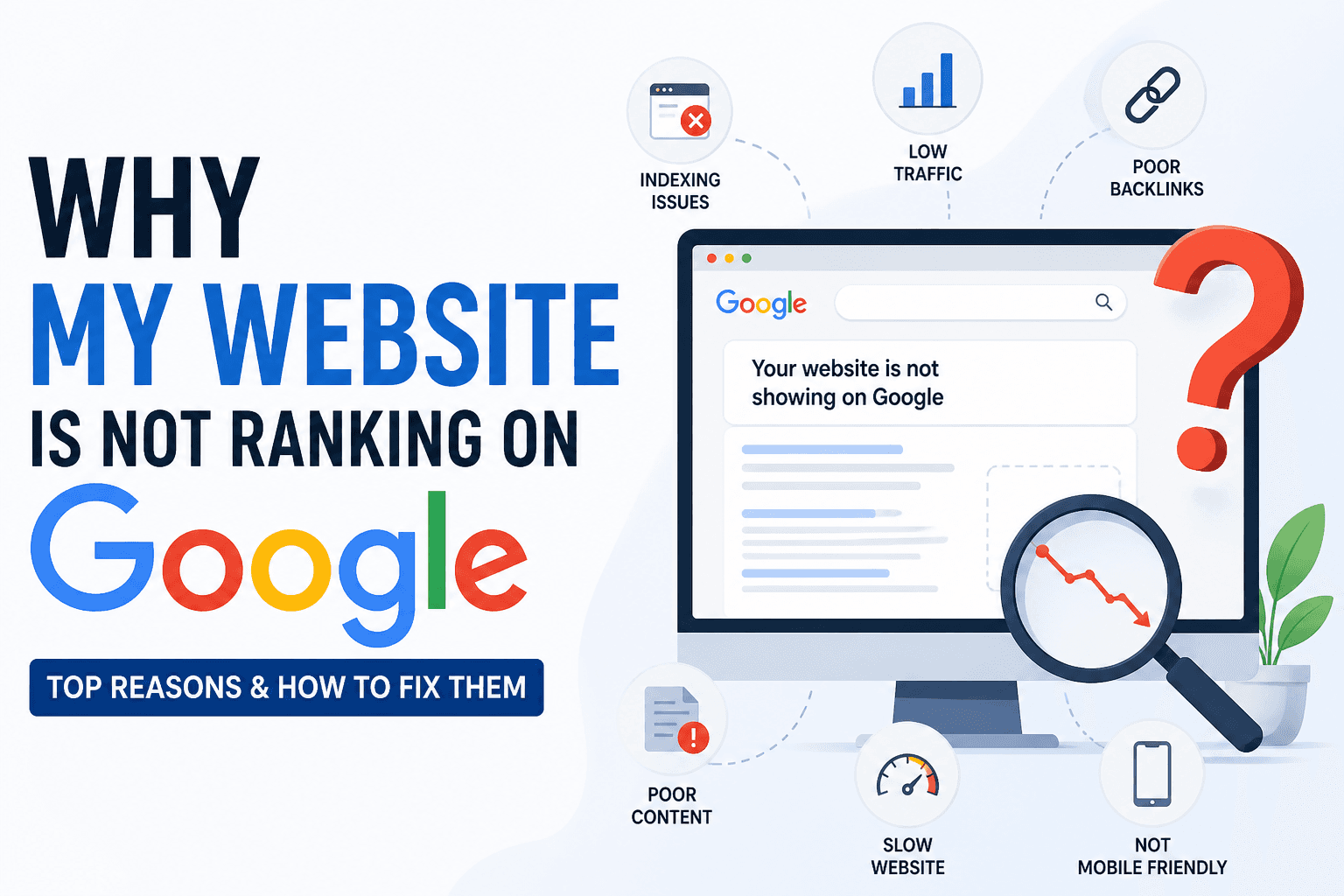
You can write the best content on the internet, but if your site has technical issues, Google may never rank it. Technical SEO is the foundation that everything else depends on.
This guide covers every technical factor that affects rankings in 2026, with actionable fixes and free tools to check each one.
What Is Technical SEO?
Technical SEO refers to the backend optimisations that help search engines crawl, index, and rank your website efficiently. Unlike content or link building, it's not visible to users, but it's the difference between a site that ranks and one that gets stuck on page 5.
The three pillars of technical SEO:
- Crawlability, Can Googlebot find your pages?
- Indexability, Does Google choose to include your pages in its index?
- Page experience, Does your site load fast and work well on every device?
1. Crawl Budget
Googlebot has a finite amount of time it will spend crawling your site. If you waste it on thin, duplicate, or blocked pages, your important content gets ignored.
Crawl budget killers:
- Infinite scroll or faceted navigation generating thousands of filter URLs
- Duplicate pages caused by URL parameters (e.g.,
?sort=price&page=2) - Redirect chains, each hop costs crawl budget
- Large volumes of noindex pages being crawled unnecessarily
Fix: Use robots.txt to block low-value URL patterns and set canonical tags on parameterised URLs.
2. robots.txt
Your robots.txt file tells crawlers which parts of your site to visit. A misconfigured file can accidentally block your entire site.
User-agent: *
Disallow: /admin/
Disallow: /checkout/
Disallow: /?*

Sitemap: https://yoursite.com/sitemap.xml
Common mistakes:
- Blocking CSS or JavaScript files, this prevents Google from rendering your pages
- Using
Disallow: /on staging environments without reversing it on production - Forgetting to reference your sitemap
3. XML Sitemap
An XML sitemap is your site's table of contents for search engines. It tells Google which pages exist and when they were last updated.
Best practices:
- Include only canonical, indexable pages, no noindex, no redirects
- Split large sitemaps (over 50,000 URLs) into multiple files with a sitemap index
- Update
<lastmod>dates when content changes (but don't fake them) - Submit your sitemap in Google Search Console
4. HTTPS & Security
HTTPS has been a confirmed Google ranking signal since 2014. In 2026, any HTTP page triggers a browser warning that tanks your CTR.
Checklist:
- SSL certificate is valid and not expired
- All pages redirect HTTP → HTTPS (301, not 302)
- No mixed content warnings (images, scripts loaded over HTTP on HTTPS pages)
- HSTS header is set
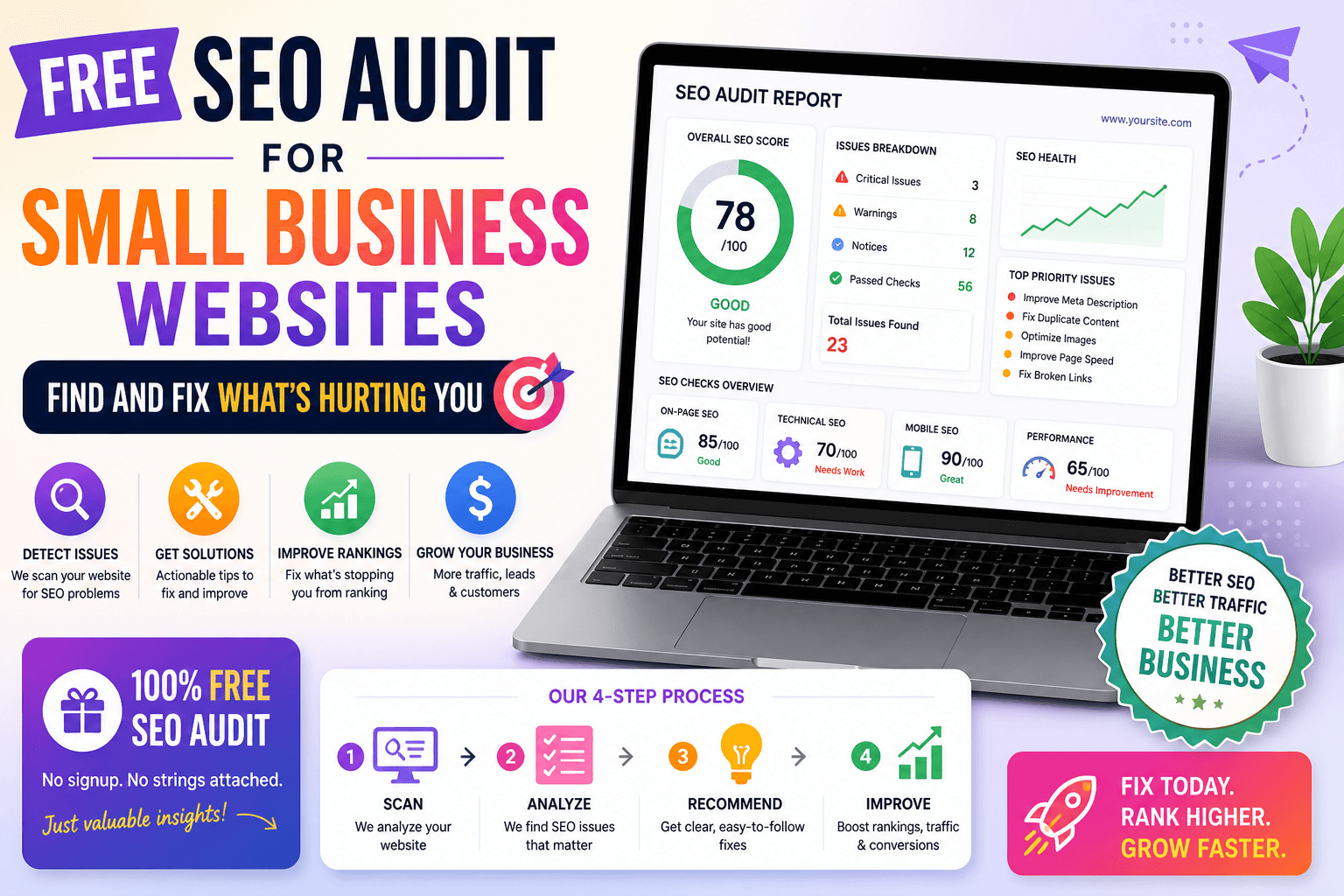
A free SEO audit will flag mixed content and redirect issues instantly.
5. Core Web Vitals
Google's Core Web Vitals are the three user experience metrics that are official ranking signals since 2021. In 2026, they're more heavily weighted than ever.
| Metric | Measures | Good Score |
|---|---|---|
| LCP (Largest Contentful Paint) | How fast the main content loads | Under 2.5s |
| INP (Interaction to Next Paint) | How fast the page responds to clicks | Under 200ms |
| CLS (Cumulative Layout Shift) | How stable the layout is while loading | Under 0.1 |
Biggest LCP culprits: Unoptimised hero images, render-blocking JavaScript, slow server response times.
Biggest CLS culprits: Images without declared dimensions, ads injected above content, web fonts causing text reflow.
6. Page Speed & TTFB
Time to First Byte (TTFB) is how long it takes the server to respond after a request. A slow TTFB affects every other speed metric.
Targets:
- TTFB: under 800ms
- Full page load: under 3 seconds on mobile
Fixes:
- Switch to a faster hosting provider or CDN
- Enable server-side caching
- Reduce database queries per page load
- Use a CDN to serve static assets from edge nodes close to the user
7. Mobile-First Indexing
Google uses the mobile version of your site for indexing and ranking. If your mobile experience is broken or stripped-down, your rankings suffer across all devices.
Check:
- Viewport meta tag is present:
<meta name="viewport" content="width=device-width, initial-scale=1"> - All content visible on mobile (no content hidden behind tabs or accordions that are blocked from crawling)
- Font sizes readable without pinching (16px minimum body text)
- Tap targets at least 48px apart
8. JavaScript Rendering
Google can render JavaScript, but it's processed in a second wave, meaning JS-rendered content may take days or weeks to be indexed. Sites that rely heavily on client-side rendering can suffer indexing delays.
Best practices in 2026:
- Use server-side rendering (SSR) or static site generation (SSG) for content that needs to rank
- Avoid rendering critical content, navigation, or internal links with JavaScript
- Use Google's URL Inspection tool in Search Console to see how Googlebot renders your pages
9. Duplicate Content
Duplicate content dilutes your ranking signals. If Google finds two identical pages, it chooses one to rank and ignores the other, and it may not pick the one you want.
Common sources of duplicates:
wwwvs non-wwwversions of the site not canonicalised- HTTP vs HTTPS duplicates
- Trailing slash variations (
/pagevs/page/) - URL parameters creating duplicate views (
?ref=newsletter) - Printer-friendly page versions
Fix: Implement canonical tags and ensure all variation URLs redirect to a single preferred version.
10. Redirect Management
Redirects are unavoidable, but managed badly, they drain crawl budget and slow page loads.
Rules:
- Always use 301 (permanent) for moved content, never 302 unless truly temporary
- Avoid redirect chains (A → B → C), go direct (A → C)
- Avoid redirect loops (A → B → A)
- Update internal links to point directly to the final URL, not through a redirect
11. 404 Errors & Broken Links
Broken links waste crawl budget and deliver a poor user experience. Google notices when links point to 404s.
What to do:
- Redirect 404 pages to relevant live pages where a redirect makes sense
- For pages with no good destination, return a clean 410 (gone) to tell Google to stop crawling it
- Fix internal links pointing to 404s, don't rely on redirects as a permanent fix
12. Structured Data (Schema Markup)
Structured data helps Google understand your content and can unlock Rich Results, those enhanced SERP features that dramatically improve CTR.
Highest-impact schema types in 2026:
Article/BlogPosting, for all editorial contentFAQPage, unlock FAQ dropdowns in SERPsHowTo, step-by-step rich resultsProduct+Review, star ratings in product SERPsBreadcrumbList, display site structure in the search snippetSiteLinksSearchBox, embed a search box in your Google result
Validate your schema at schema.org and with Google's Rich Results Test.
13. Hreflang for Multilingual Sites
If your site targets multiple languages or regions, hreflang tags tell Google which version to serve to which audience.
<link rel="alternate" hreflang="en-gb" href="https://example.com/en-gb/page" />
<link rel="alternate" hreflang="en-us" href="https://example.com/en-us/page" />
<link rel="alternate" hreflang="x-default" href="https://example.com/page" />
Missing or misconfigured hreflang is one of the most common technical SEO errors on international sites.
14. Pagination
For paginated content (blog archives, product listings), Google needs to understand the relationship between pages.
2026 approach:
- Do not use
rel="prev/next", Google deprecated this in 2019 - Use a self-referencing canonical on each paginated page
- Make sure all paginated pages are indexable (or deliberately noindex them if they're thin)
- Use a "load more" pattern or infinite scroll with proper URL updates for best UX + SEO
15. Log File Analysis
Server log files show you exactly what Googlebot is crawling, how often, and what it finds. This is the most underused technical SEO technique.
What to look for:
- Pages Googlebot visits most frequently (your most crawled content)
- Important pages Googlebot rarely visits (may indicate internal linking problems)
- 404 and 500 errors being served to Googlebot
- Unexpected crawlers consuming bandwidth
16. Canonical Tags
The canonical tag (<link rel="canonical">) tells Google which version of a page is the authoritative one. This is especially important for e-commerce sites where products appear in multiple categories.
Rules:
- Every page should have a self-referencing canonical
- Canonical should point to the final, preferred URL (HTTPS, with or without trailing slash, just be consistent)
- Don't canonicalise to a page that redirects
- Don't canonicalise noindexed pages
17. Internal Linking Architecture
A good internal link structure distributes PageRank to important pages and helps Google understand your site hierarchy.
Best practices:
- Your most important pages should be linked from the homepage or top-level navigation
- Avoid orphan pages (pages with no internal links pointing to them)
- Use descriptive, keyword-rich anchor text, not "read more" or "click here"
- Aim for a flat architecture where every page is reachable within 3 clicks
18. Faceted Navigation
E-commerce sites with filter/sort navigation can generate millions of thin, duplicate URLs. This is one of the biggest technical SEO challenges at scale.
Strategies:
noindexfiltered pages that don't deserve to rank- Use canonical tags to consolidate near-duplicate filter combinations
- Block low-value parameter combinations in
robots.txt - Only allow facets with genuine search demand to be indexed
19. Site Architecture & URL Structure
A logical URL structure helps both users and search engines navigate your site.
| Bad | Good |
|---|---|
/p?id=7812 | /tools/seo-audit |
/category/23/post/456 | /blog/technical-seo-guide |
/en/UK/seo/tools/audit-tool | /tools/seo-audit |
Principles:
- Short, descriptive URLs
- Primary keyword in the URL slug
- Consistent subfolder structure that reflects your site hierarchy
- Avoid deep nesting beyond 3 levels
20. Search Console Monitoring
Google Search Console is the most important free tool in every SEO's toolkit. Set it up and monitor these reports weekly:
- Coverage report, which pages are indexed, which have errors
- Core Web Vitals report, real-world CWV data segmented by mobile/desktop
- Manual Actions, whether Google has penalised your site
- Security Issues, whether your site has been hacked or flagged for malware
- Links report, your top linked pages and the anchor text used
Technical SEO Audit Checklist
- robots.txt is correctly configured and accessible
- XML sitemap submitted to Search Console
- All pages on HTTPS, no mixed content warnings
- 301 redirects in place for all moved/deleted pages
- No redirect chains longer than 1 hop
- Core Web Vitals pass on mobile (LCP < 2.5s, INP < 200ms, CLS < 0.1)
- Viewport meta tag on every page
- No pages accidentally blocked by robots.txt
- Canonical tags on all pages pointing to preferred URL
- No duplicate pages (www/non-www, HTTP/HTTPS, trailing slash)
- Structured data implemented and validated
- No orphan pages in internal link structure
- 404 errors identified and resolved
- JavaScript-rendered content confirmed indexable via URL Inspection
- Hreflang implemented correctly (multilingual sites only)
- Google Search Console set up and showing no manual actions
Run a Free Technical SEO Audit
Audit your site in seconds with the ToolsNest SEO Audit Tool. Enter any URL and get a complete technical health report, crawlability, speed, meta tags, structured data, and more, with a prioritised fix list and downloadable PDF.
Free. No sign-up. Results in under 5 seconds.