The Real Cost of Poor SEO for Small Businesses
When your small business website doesn't appear on the first page of Google, the damage is immediate and compounding. A potential customer searches for the exact service you provide in your city, and finds your competitor instead. They call your competitor. They buy from your competitor. They leave a review for your competitor.
For small businesses without a dedicated marketing team, low Google visibility translates directly into lost revenue, week after week, silently. Unlike large brands that can absorb slow organic growth with paid campaigns, a local shop, a service provider, or a small ecommerce store lives or dies by its ability to be found when customers search.
The average small business website has 4–8 critical on-page SEO problems preventing Google from ranking it properly. Most owners have no idea these issues exist because they are completely invisible in a browser. The site loads fine. The SEO foundation is broken.
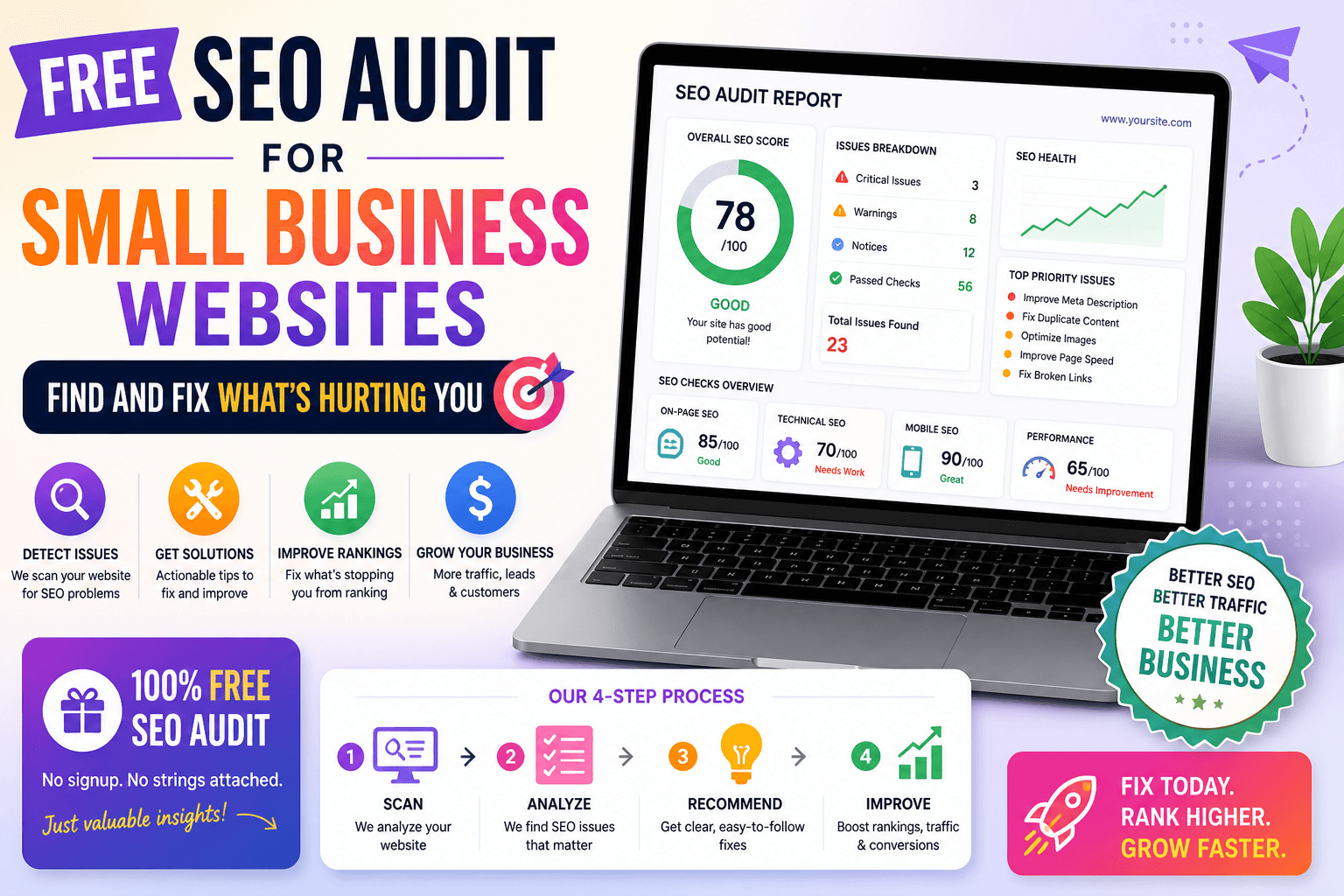
The good news: these problems are fixable, in most cases in a single afternoon, without an agency, without touching any code. The first step is knowing exactly what's wrong. That is precisely what the free SEO audit tool for small business websites does. It checks your page against 18 critical ranking factors, gives you an overall SEO score, and tells you, in plain English, exactly what to fix and in what order.
This is happening to your business right now. A small business with unfixed on-page SEO issues typically loses 15–30 potential customer contacts per month to local competitors who fixed the same problems. That's up to 360 missed customer opportunities per year, each one a person who searched for exactly what you offer, found someone else, and may never search again.
Why Small Businesses Struggle to Rank on Google
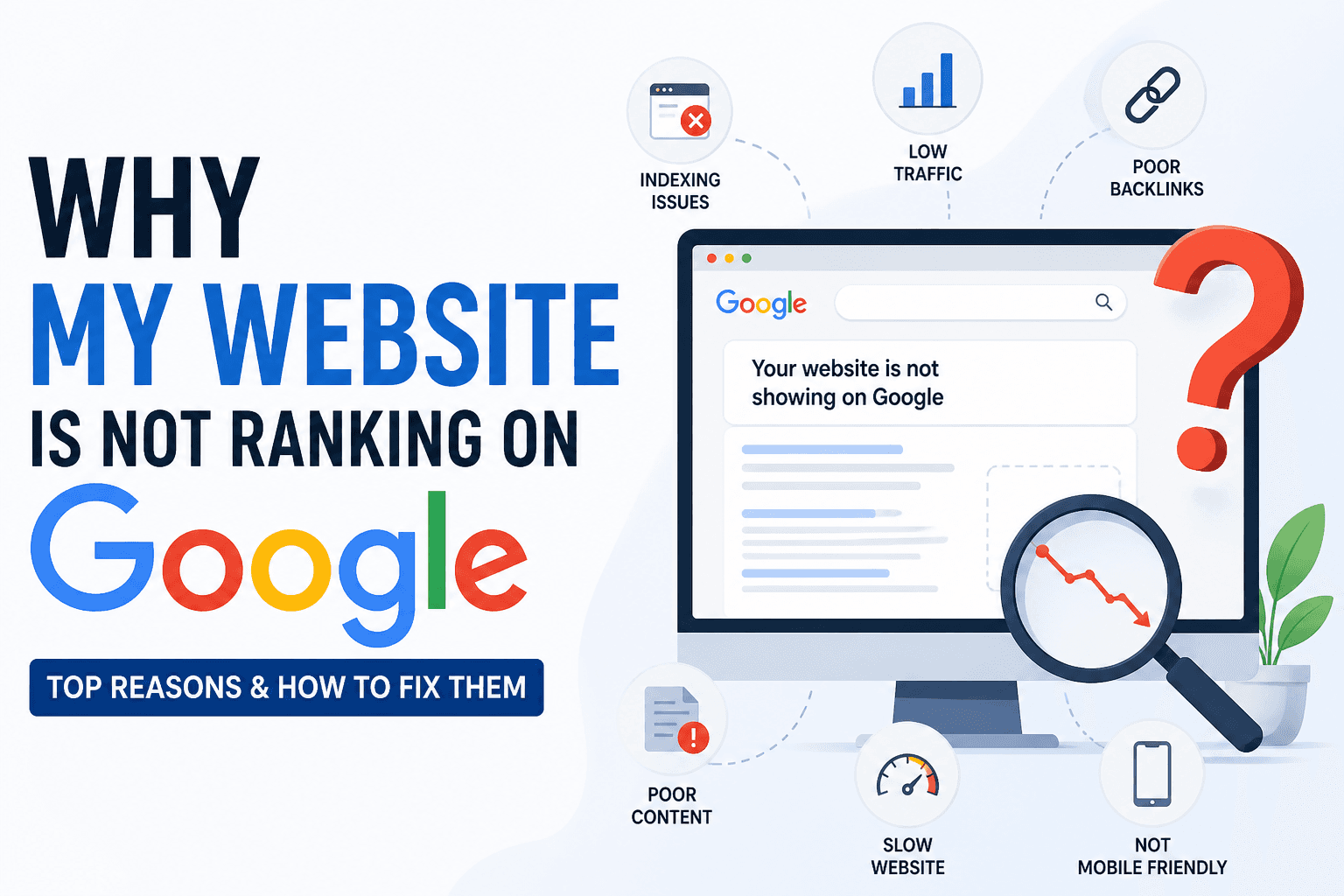
Most small business websites were built for launch, not for search. Here are the six most common reasons local shops, service providers, and small online stores fail to rank, even when their products and services are genuinely excellent.
1. Poor Local SEO, Not Showing Up on Google Maps, Critical
When someone searches 'bakery near me' or 'electrician in [your city],' Google shows a local map pack, three businesses above every organic result. If your Google Business Profile is unclaimed, incomplete, or missing your service category, photos, and hours, you are invisible in that map pack entirely. Your competitor gets the click and the customer, even if your work is objectively better, simply because they set up their local SEO. This is the single highest-leverage fix for most small businesses, and it costs nothing.
2. Missing or Incomplete Google Business Profile, Critical
An unclaimed or underfilled Google Business Profile is the most common reason small businesses don't appear in local search. Google uses your GBP data to decide whether to surface your business for local queries. A profile with no photos, no service list, no Q&A, and no recent posts signals low credibility. Businesses with fully completed profiles, consistent name, address, and phone number across every listing, appear in the map pack dramatically more often than those with empty or inconsistent profiles.
3. Weak Website Content With No Keyword Targeting, High
Most small business websites have homepage copy that reads like a brochure, generic paragraphs about 'quality service' and 'years of experience' with no specific keywords that customers actually search. Google matches queries to pages that clearly signal relevance through their content. A service page with 150 words of vague copy will never rank for 'affordable plumber Austin TX' or 'best birthday cakes [city]', regardless of how good your work is.
4. Slow Page Loading Speed, Especially on Mobile, High
Google uses page speed as a direct ranking factor, and over 60% of local searches happen on smartphones. A website that takes more than 3 seconds to load on mobile loses both the ranking and the visitor. Slow speed is caused by uncompressed images, bloated themes, too many plugins, or poor hosting. A slow site doesn't just rank lower, it turns away customers the moment they arrive.
5. No Keyword Targeting on Key Pages, High
Title tags, meta descriptions, headings, and page content need to explicitly state what you do and where you do it. A plumber's homepage titled just 'Home' or a café named only after its brand gives Google nothing to match against search queries. Google cannot infer what your page is about, every piece of SEO information must be deliberately written in.
6. No Dedicated Marketing Team or SEO Budget, Medium
Large businesses have SEO specialists, content teams, and agency retainers. Most small business owners are handling everything themselves, managing staff, serving customers, doing accounts, and maintaining a website in the gaps. SEO gets deprioritised, and months pass while the same unfixed issues cost real customers every week. This is exactly why a free, instant website SEO checker for local business exists, it removes the research burden and gives you a precise fix list without requiring any background in SEO.
Real Examples: SEO Problems in Small Businesses
The Bakery With 4.8-Star Reviews That Google Had Never Heard Of
Sarah had run her bakery for four years. Her work was excellent, 4.8 stars, loyal regulars, word-of-mouth referrals. But online, she was invisible. Her website received 12 organic visitors per month. A competitor bakery that opened eight months ago already ranked above her for every relevant search.
What the audit found: Homepage title tag: 'Home, Sarah's Bakery' with no keywords or location. Zero location-specific copy anywhere on the site. Google Business Profile unclaimed. Site running on HTTP, no HTTPS. Homepage: 180 words of generic text. No dedicated service pages.
After fixing: Sarah spent one afternoon making changes: rewrote the homepage title to 'Custom Birthday Cakes [City], Sarah's Bakery,' completed her Google Business Profile with 14 photos and a full service list, wrote 650 words of location-specific content, and switched to HTTPS. Six weeks later, her business appeared in the local map pack. Monthly organic traffic grew from 12 to 310 visitors.
The Electrician Whose Less-Experienced Rivals Ranked Higher
Marcus had been a licensed electrician for nine years. His website had been live for two years and generated almost nothing, 28 organic visitors per month, zero inbound leads from search.
What the audit found: Single 'Services' page with 180 words listing every offering in one paragraph, no individual service pages. No meta descriptions on any page. No image alt text. No LocalBusiness schema markup. No canonical tags. No sitemap submitted to Google Search Console.
After fixing: Marcus created individual pages for residential wiring, commercial electrical, EV charger installation, and panel upgrades, each with 700+ words of city-specific content. Within three months, organic traffic reached 380 visitors per month. He now receives 10–14 inbound calls per month from organic search.
The Online Store That Stopped Trading Every Time Ads Stopped Running
Priya had run her handmade skincare Shopify store for two years, spending £350–£450 per month on Instagram and Facebook ads. When she paused ads, traffic dropped to near zero and sales stopped completely.
What the audit found: Product descriptions: 50–80 words each, mostly copied from supplier notes with no original keywords. Category pages: no unique content. Meta descriptions missing on 38 of 40 product pages. Thin content flagged sitewide.
After fixing: Priya rewrote product descriptions to 300–400 words each with targeted keywords, created category pages with 500+ words, and published 10 blog posts targeting high-intent buyer searches. Four months later, organic traffic had grown to 1,200 visitors per month. Organic search now accounts for 38% of all sales.
How to Do an SEO Audit for a Small Business Website
Step 1, Open the free SEO audit tool, no account needed Go to the ToolsNest free SEO audit tool. No registration, no login, no email required.
Step 2, Enter your website URL, start with your homepage Paste the full URL of the page you want to analyze. Start with your homepage, then audit each service page separately. Each page should target a different keyword and carries its own SEO signals.
Step 3, Run the full on-page SEO analysis in real time Click the audit button. The tool checks 18 on-page and technical SEO factors: title tags, meta descriptions, heading structure, image alt text, HTTPS status, canonical URLs, structured data, mobile configuration, internal links, word count, Open Graph tags, and more. Results appear in under 10 seconds.
Step 4, Review your SEO score and prioritized issue list You receive an overall SEO score out of 100 and a categorized list of every issue, organized by Critical, High, and Medium priority. Each issue includes a plain-English explanation of what's wrong and why it's suppressing your rankings.
Step 5, Fix the critical issues first, most require no developer Work through the fix list from the top. For most small business websites, fixing title tags, meta descriptions, image alt text, and HTTPS produces visible ranking movement within 4–8 weeks. Almost all of these fixes can be made directly in your CMS, WordPress, Squarespace, Wix, or Shopify, without touching any code.
What the SEO Audit Tool Checks
- Overall SEO score out of 100, an instant baseline for your page's search performance
- Critical issues highlighted first, the exact problems causing the most ranking damage
- Title tag analysis, present, unique, under 60 characters, and keyword-targeted
- Meta description check, missing, duplicate, or incorrectly sized descriptions flagged
- H1 and heading hierarchy audit, one H1 per page with proper H2/H3 structure confirmed
- Image alt text audit, every untagged image identified so you can add descriptive text
- HTTPS status, SSL certificate active or flagged as insecure
- Canonical URL check, self-referencing canonical correctly configured per page
- Mobile viewport tag, correct setup for Google's mobile-first indexing
- Robots meta check, any page accidentally set to noindex flagged immediately
- Structured data / schema markup, missing or invalid schema detected
- Word count check, thin content pages flagged
- Open Graph tags, social preview metadata verified
- Actionable fix recommendations, not just what's broken, but exactly what to do next
After your audit, use the free meta tag generator to build optimized title tags and meta descriptions for each page immediately.
Simple Monthly SEO Plan for Small Businesses
Week 1, Audit Your Entire Site
Run the free SEO audit tool on every important page: your homepage, each service or product page, your contact page, and any location-specific pages. List every Critical and High issue across all pages before fixing anything. Getting the complete picture first lets you prioritize the changes with the highest combined ranking impact.
Week 2, Fix Content and On-Page SEO Issues
Rewrite title tags and meta descriptions on every page, include your primary service and city in every title tag, and write compelling meta descriptions of 150–160 characters with a clear reason to click. Expand any pages with fewer than 500 words. Add descriptive alt text to every image. Fix heading structure issues, exactly one H1 per page.
Week 3, Improve Technical SEO and Local Search Signals
Verify HTTPS is active with no browser warnings. Set canonical URLs on every page. Claim and complete your Google Business Profile, add photos, full services list, hours, and a keyword-rich business description. Add LocalBusiness schema markup to your homepage. Submit your XML sitemap to Google Search Console using the sitemap generator.
Week 4, Track Results and Plan the Next Round
Re-run the free on-page SEO audit on every page you fixed and confirm all issues are resolved. Check Google Search Console for crawl errors or indexing problems. Then plan next month's one priority: identify a single new service page or blog post targeting a specific long-tail keyword your business can realistically rank for in your area.
Free vs Paid SEO Tools: What Small Businesses Actually Need
Paid platforms like Ahrefs, SEMrush, and Moz were built for SEO agencies managing dozens of enterprise clients, teams that need backlink databases, competitor domain analysis, and bulk keyword rank tracking across thousands of terms. They charge $99–$499 per month for features that are completely irrelevant to a small business owner who needs to fix a missing title tag.
The ToolsNest free SEO audit covers every on-page and technical ranking factor that directly affects small business rankings, the same checks a professional agency audit would run, at zero cost, with no account, and with plain-English recommendations that require no SEO background.
Most small businesses see meaningful organic traffic growth from on-page improvements alone, well before a paid tool is needed.
Free Tools to Fix Issues After Your Audit
- Meta Tags Generator, build optimized title & description tags instantly
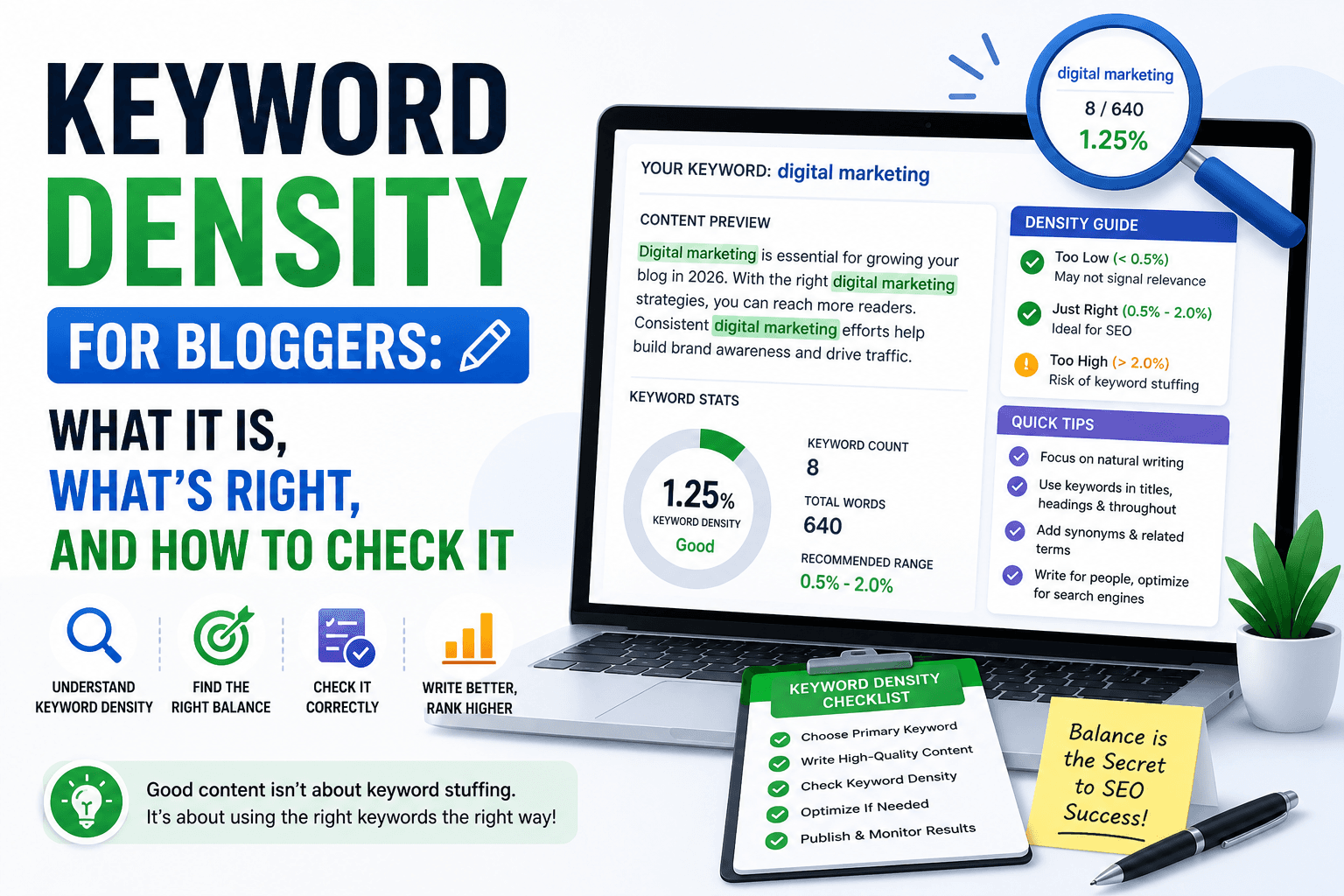
- Keyword Density Checker, verify keyword frequency before publishing
- Website Speed Checker, find what's slowing your pages on mobile
- XML Sitemap Generator, help Google find and index all your pages
- Readability Checker, make content clearer and reduce bounce rate
- SEO Compare Tool, compare your page against a competitor side by side
FAQ
Is this SEO audit tool really free for small business owners? Yes, completely free. No account, no email address, no credit card. Open the tool, paste your URL, and get a full SEO report in under 10 seconds. There are no usage limits, audit as many pages as you need, as often as you need.
What specific SEO problems does this tool find on small business websites? The audit checks 18 on-page and technical SEO factors: title tags, meta descriptions, H1 headings, heading hierarchy, image alt text, canonical URLs, Open Graph tags, HTTPS status, robots meta directives, viewport tags, structured data, word count, and internal link structure. Every issue is labelled Critical, High, or Medium so you know exactly what to fix first.
My website looks fine, why would it have SEO problems? SEO problems are almost always invisible to the human eye. A page can look polished in a browser while having a missing title tag, no meta description, untagged images, and no canonical URL, all of which directly suppress your rankings. Google doesn't evaluate your design. It reads your code and content. The audit analyzes your page exactly the way Google does.
Can I fix these issues without hiring a developer or SEO agency? Yes. The vast majority of critical on-page problems, title tags, meta descriptions, heading structure, image alt text, can be fixed directly through your CMS (WordPress, Squarespace, Wix, Shopify) without writing any code. Most small business owners resolve 80% of their issues in a single afternoon and start seeing ranking improvements within 4–6 weeks.
How often should a small business run an SEO audit? Audit your homepage and key service pages at minimum once per month. Always run an audit immediately after a website redesign, CMS update, plugin change, or major content revision, these events regularly introduce SEO regressions that are completely invisible without a diagnostic check.
How is this different from paid tools like Ahrefs or SEMrush? Paid platforms charge $99–$499/month for backlink databases, competitor analysis, and bulk rank tracking, features that don't address the on-page issues causing most small business ranking failures. This free audit covers every on-page and technical ranking factor that directly affects your rankings right now, at zero cost, with no learning curve.